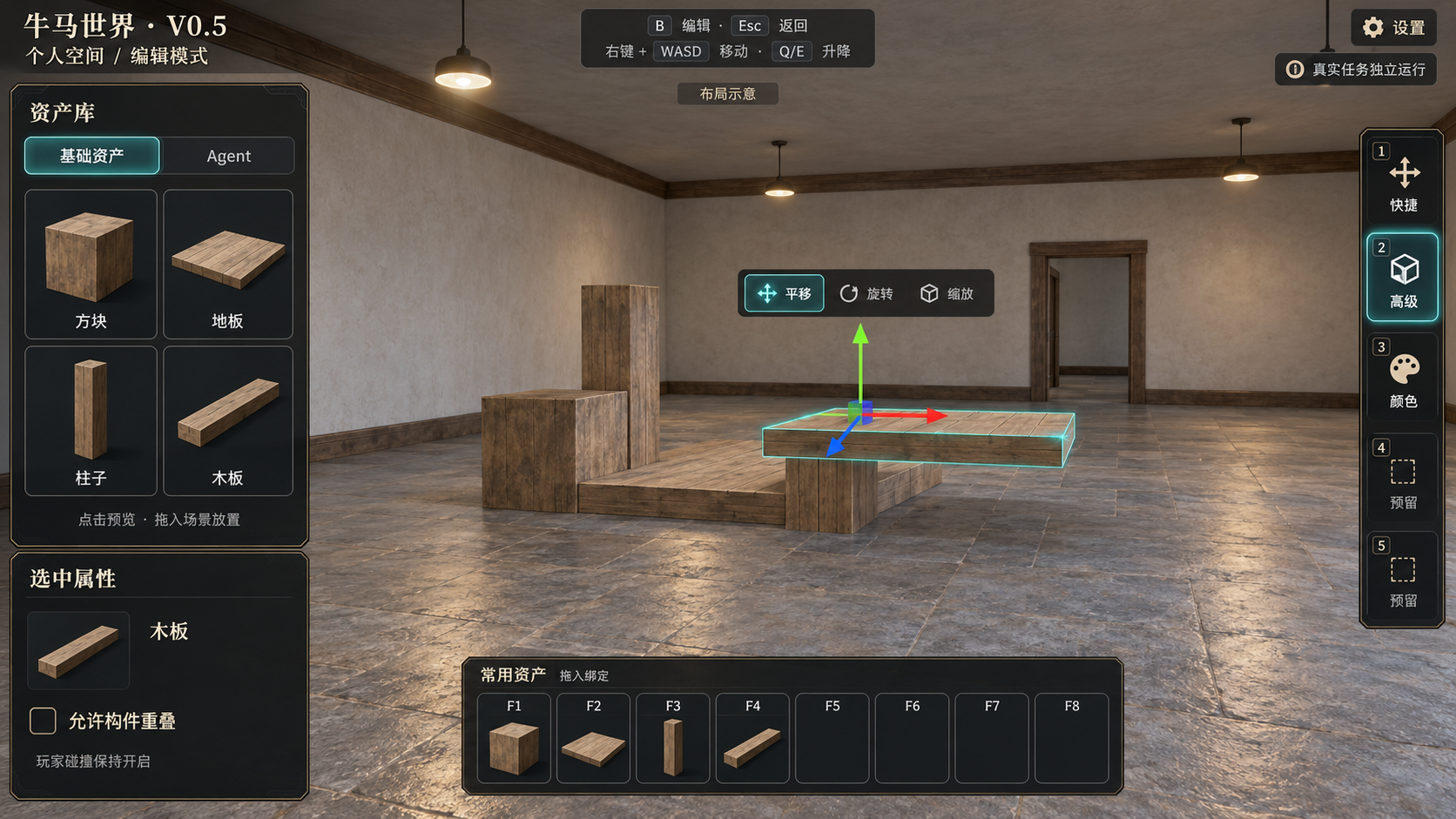
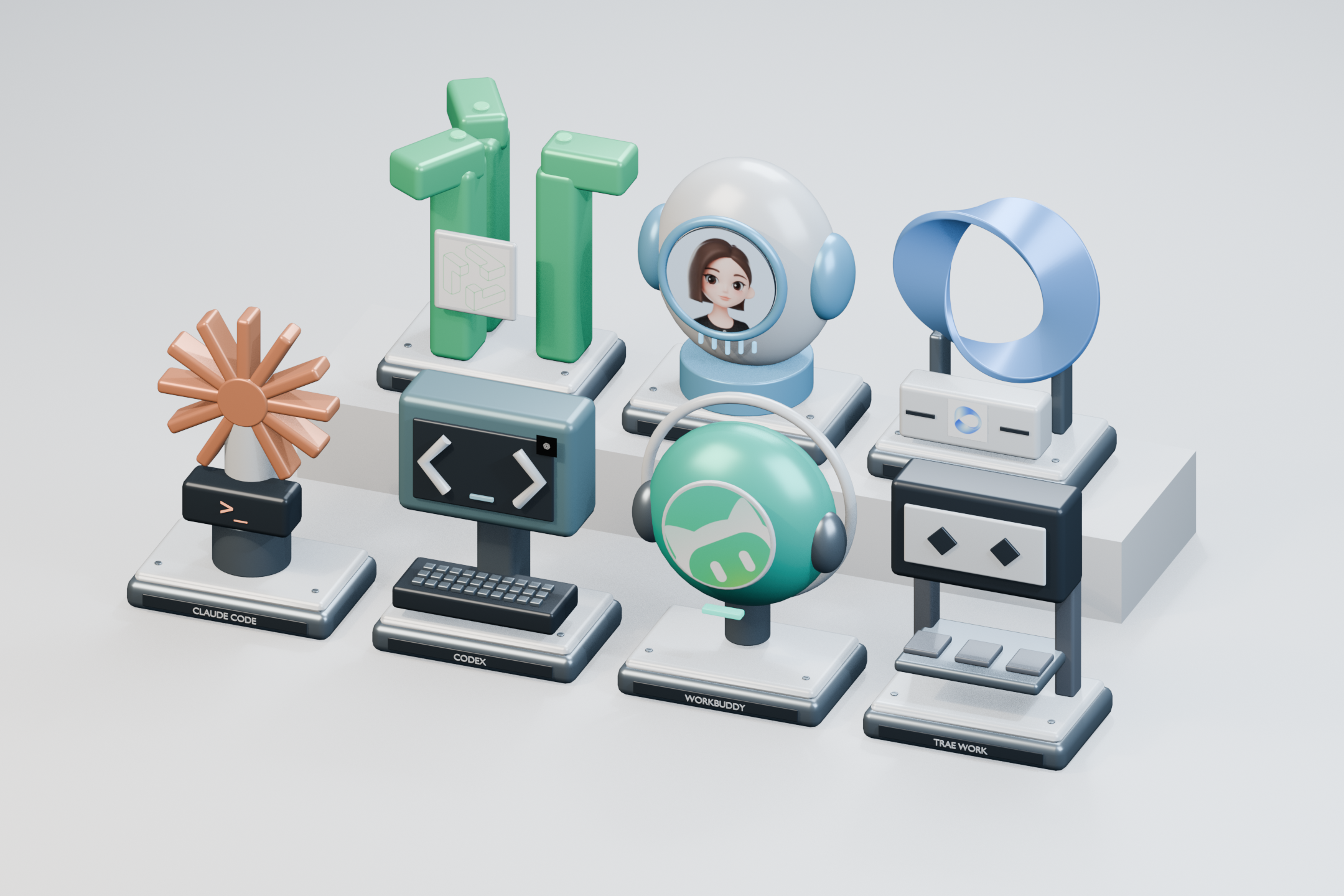
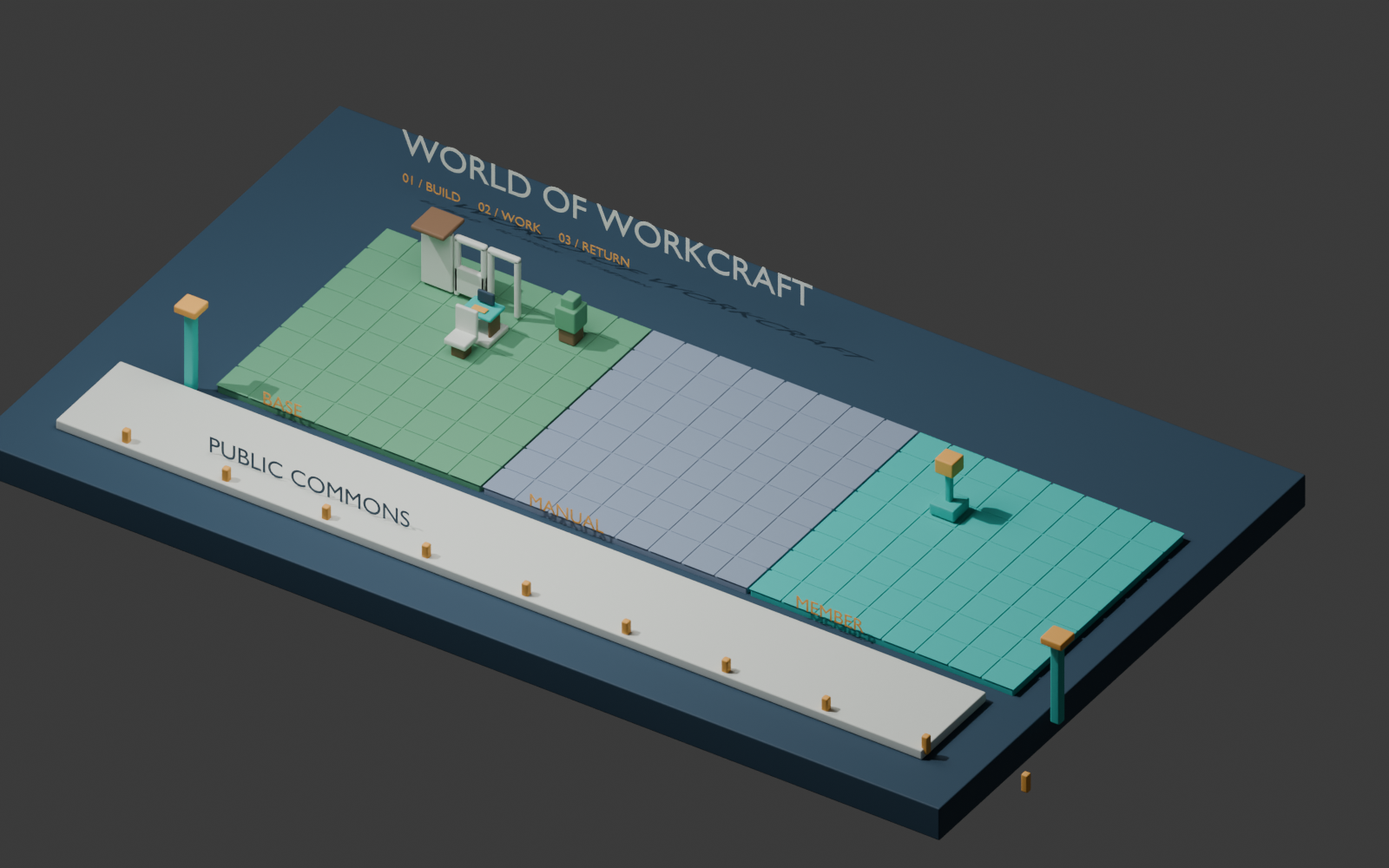
Explore new features and availability by version. Public client downloads are not available yet.
Updated on 2026-10-23
Feature updates
V0.8.7Feature update2026-10-23
Introducing the name World of Workhorse
From V0.8.7, the English name of 牛马世界 is World of Workhorse.
The Chinese name, brand slogan and existing website address remain unchanged.
The client remains a local development experience and is not available for public download.
V0.8.5Feature update2026-10-22
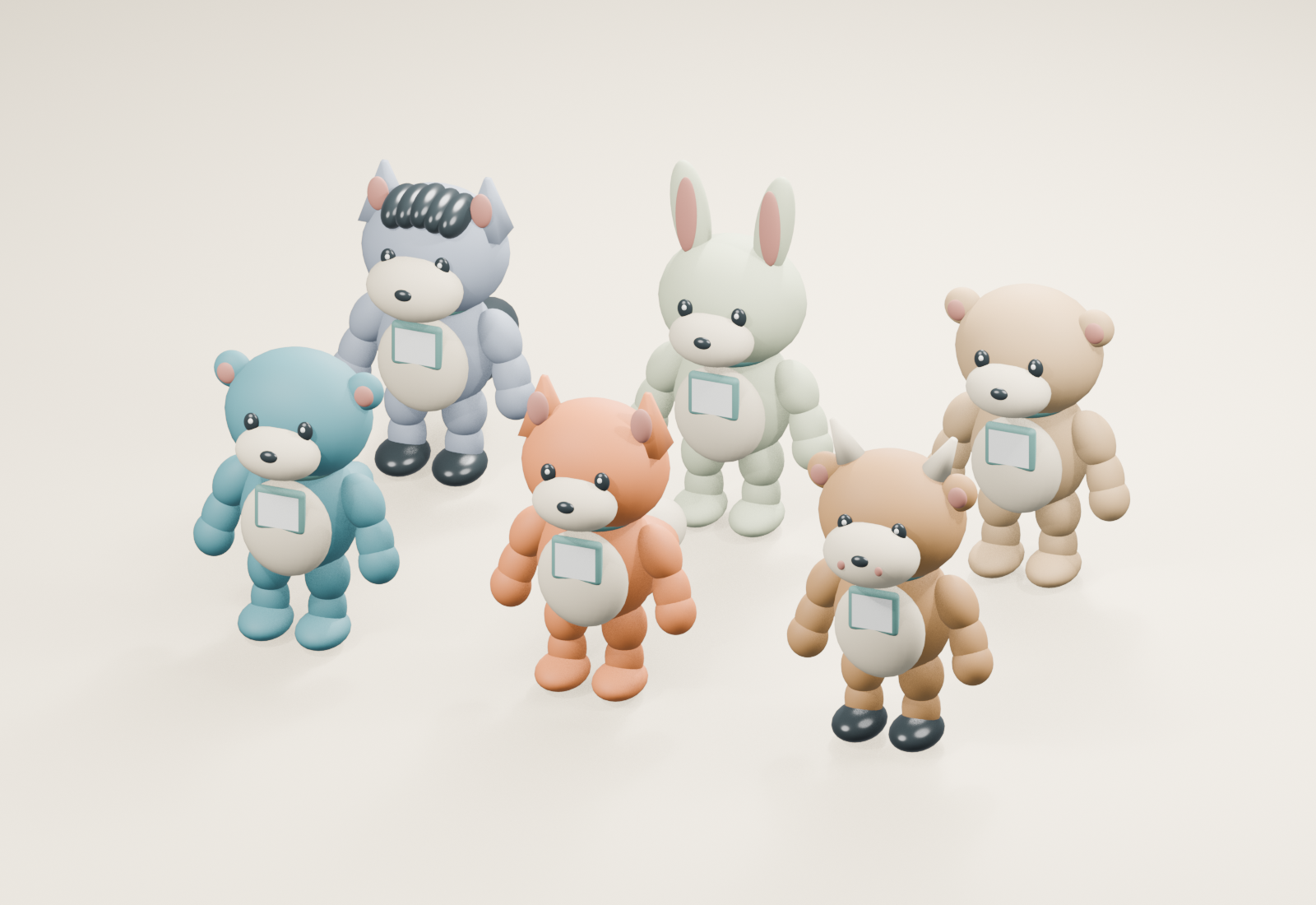
Six animal Agents and individual logos
Choose from otter, fox, calf, pony, rabbit and bear Agents. Appearance is independent of tool and task binding, so Agents of the same tool can use different animals.
Aim at an Agent and press F to customize its appearance and logo, including importing or clearing a PNG/JPG badge. Each instance keeps its own appearance.
Added idle, walk, jog, work, done, wait and turn animations. Work follows the bound task's state; interruption does not play a completion animation.
Switch animals while keeping tasks and logos, with saved appearance, undo, redo and restoration when returning.
First-pass simplified models in the local development experience; public client downloads are unavailable. Detailed fur, cloth simulation and complex-terrain foot adaptation are not provided. Animations do not extend any tool's supported real-task integration.
Six animal Agents · First-pass model preview
V0.8.4Feature update2026-10-22
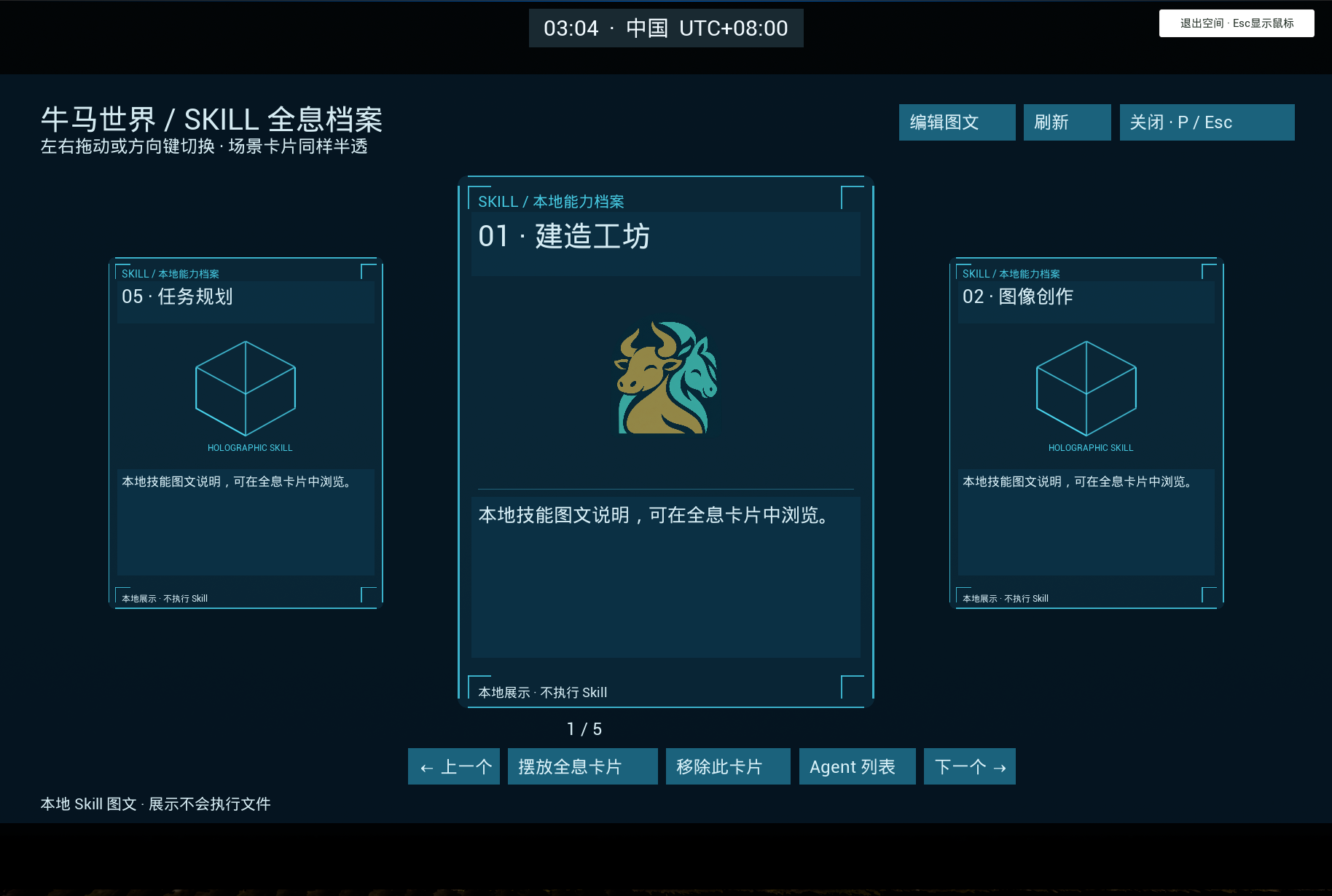
Holographic Skill cards and a visual carousel
Press P in free mode to browse Skill cards, with horizontal dragging and arrow-key navigation. I still opens the Agent overview.
Edit a Skill's name, purpose, tags and local image to browse your library visually.
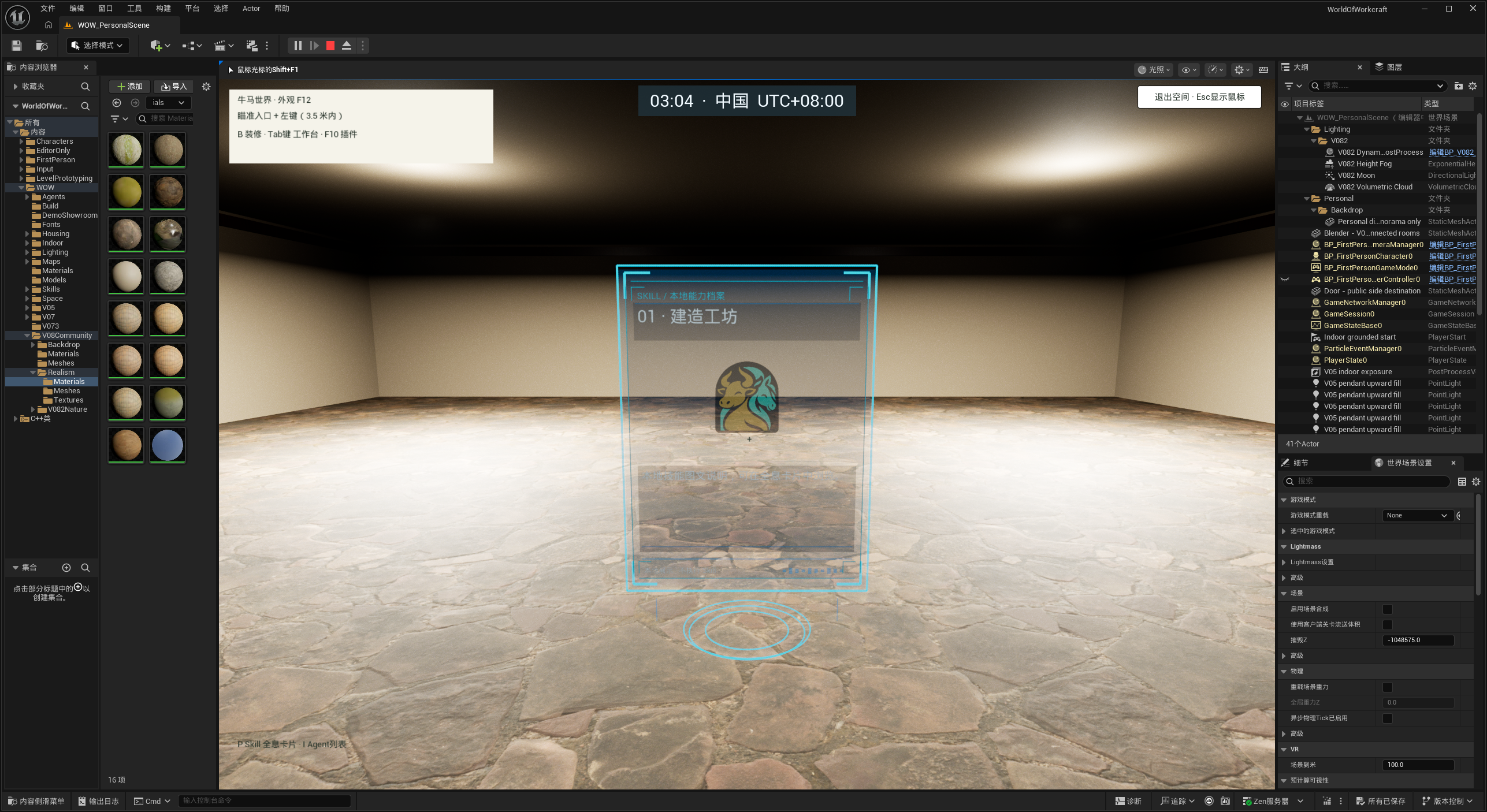
Place translucent holographic cards in your personal space, with preview, confirm, cancel, removal and saved positions.
Displays local Skill content without executing skills or automatically sending Agent tasks. One scene card can be saved per Skill; loading content requires the local Skill service. Public client downloads are unavailable.
Visual Skill carouselTranslucent Skill card in a personal space
V0.8.3Feature update2026-10-22
Task-bound Agents and a local Skill library
Place several Agents of the same tool, each bound to a different real task. Rebind tasks with saving, undo and redo.
Each Agent reflects its own bound task's busy or standby state. Closing the tool returns its existing models to standby without removing them.
Tab separates Agent and Skill libraries, showing tool connections and task-loading progress. Scan local Skill folders, import folders or ZIP files, and edit names, tags and descriptions.
Press I for all Agents in your space, or aim at an Agent and press F for its task workspace with conversation, tool access and output lists.
Improved visibility while arranging spaces at night, expanded the rear of the plot, and improved lampshade light blocking.
Available in the local development experience; public client downloads are unavailable. Tools without a supported real task list cannot add new Agents. Sending through Claude and WorkBuddy is unavailable. Skill imports manage local content without executing skills or changing other tools' settings.
V0.8.2Feature update2026-10-20
Community materials, interactive grass and dynamic lighting
Improved nighttime exposure in the community and personal space, with natural moonlight above the horizon and darker nights after moonset.
Refined the transition between sunlight and moonlight.
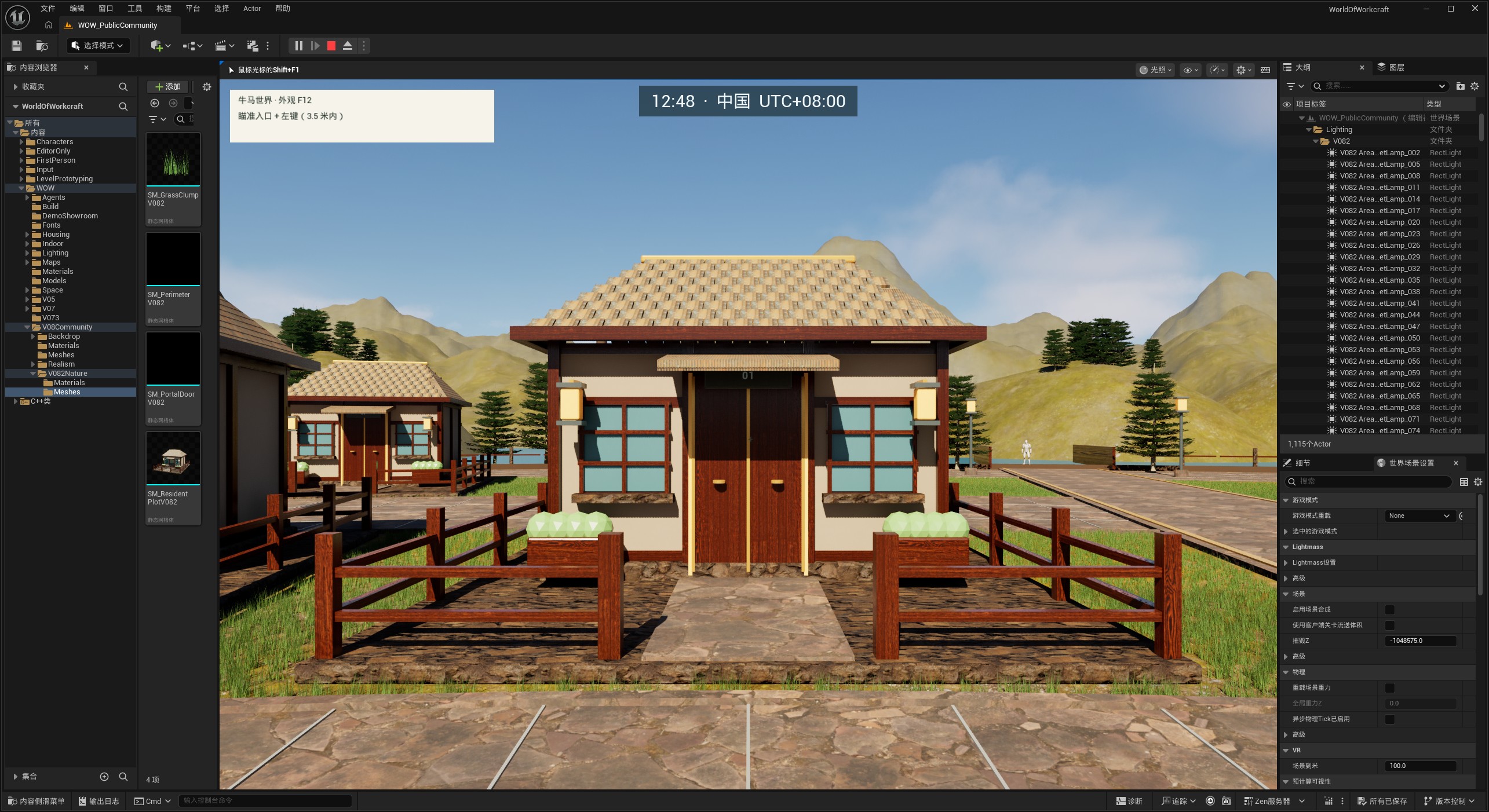
Added paired gateposts to each community plot entrance while keeping the passage clear.
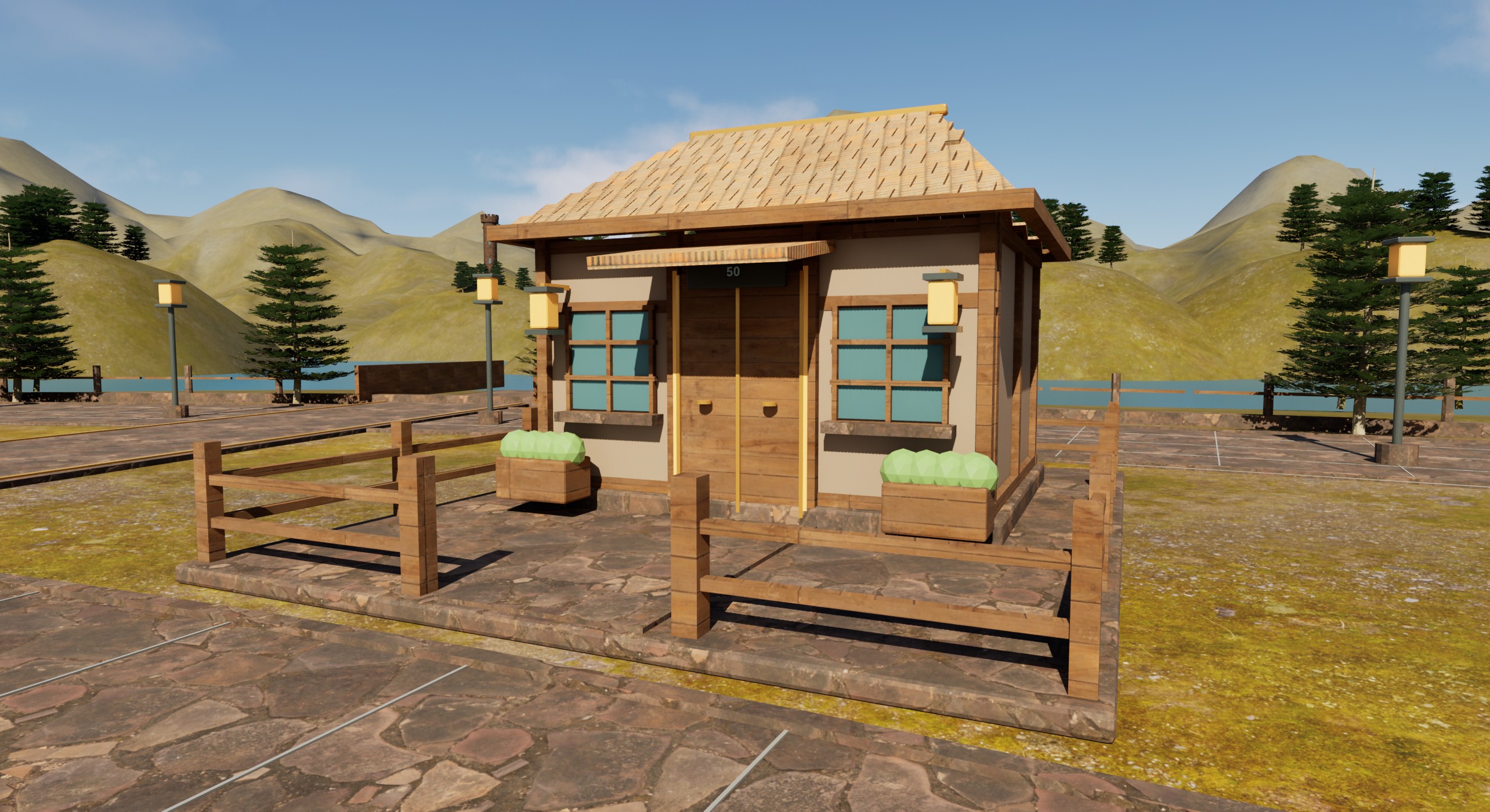
Enhanced the surface detail of community roofs, woodwork, fences, doors and foundations while retaining existing building shapes and collision.
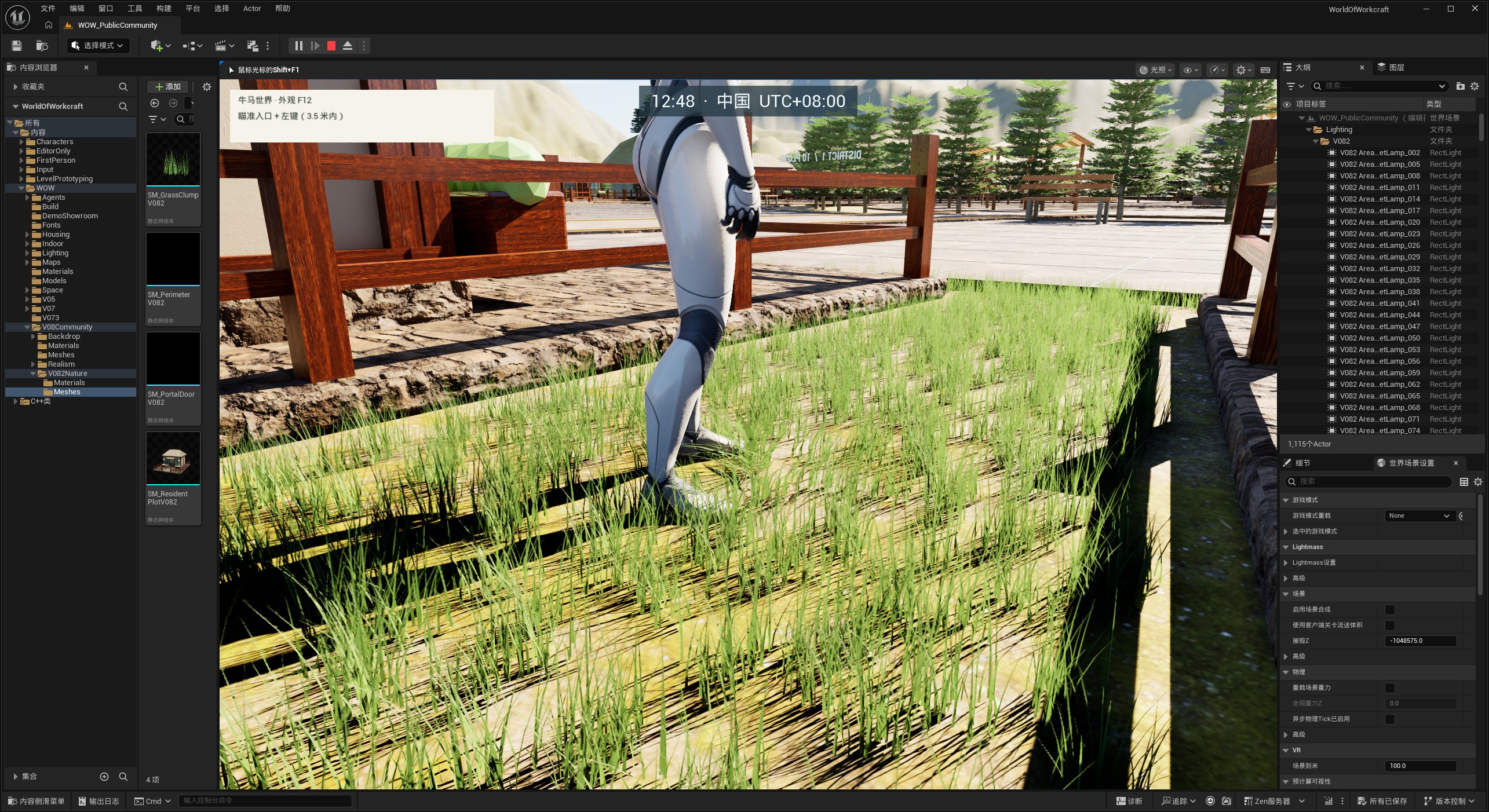
Added gently wind-swept community grass that parts as characters pass and gradually recovers, keeping roads and entrances clear.
Dynamic skies, clouds, fog and environmental lighting improve porches, street lamps, interiors and soft shadows, with High and Balanced lighting profiles.
Added a visible moon, improved ambient light on moonless nights, and smoothed lighting transitions at dawn and dusk.
Available in the local development experience. Public downloads, community multiplayer and account-based plot ownership are not available. Grass interaction does not leave permanent tracks or broken blades. Real older-GPU performance and clearly defined dawn/dusk light shafts remain to be refined.
Community home entrance and gatepostsCommunity home materials and yardGrass reacting as a character passes
V0.8.1Feature update2026-10-20
Material detail, local clock and continuous windows
Added surface detail to wood, stone, fabric and other materials across the community, personal space and existing assets, retaining custom colors and material switching.
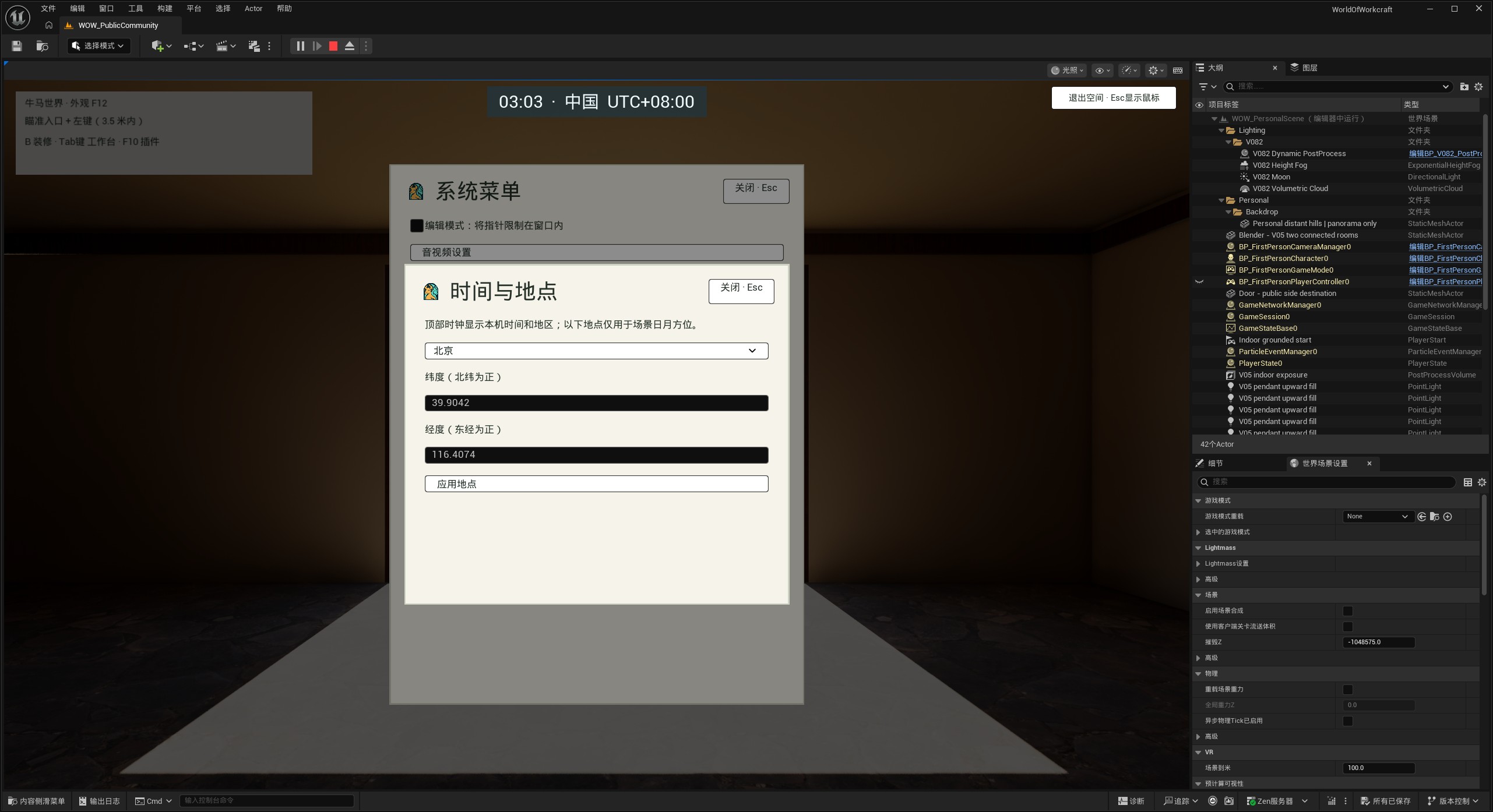
Free mode displays local time, system region and UTC offset. Time and location settings allow a city or coordinates to control the scene sun and moon.
Adjacent floor-to-ceiling windows join into continuous glazing with fewer duplicate posts and seams, retaining individual removal, undo and re-entry.
Available in the local development experience. Public downloads, community multiplayer and account-based plot ownership are not available.
Time and location settings
V0.8.0Feature update2026-10-19
Circular marketplace and personal-space entrances
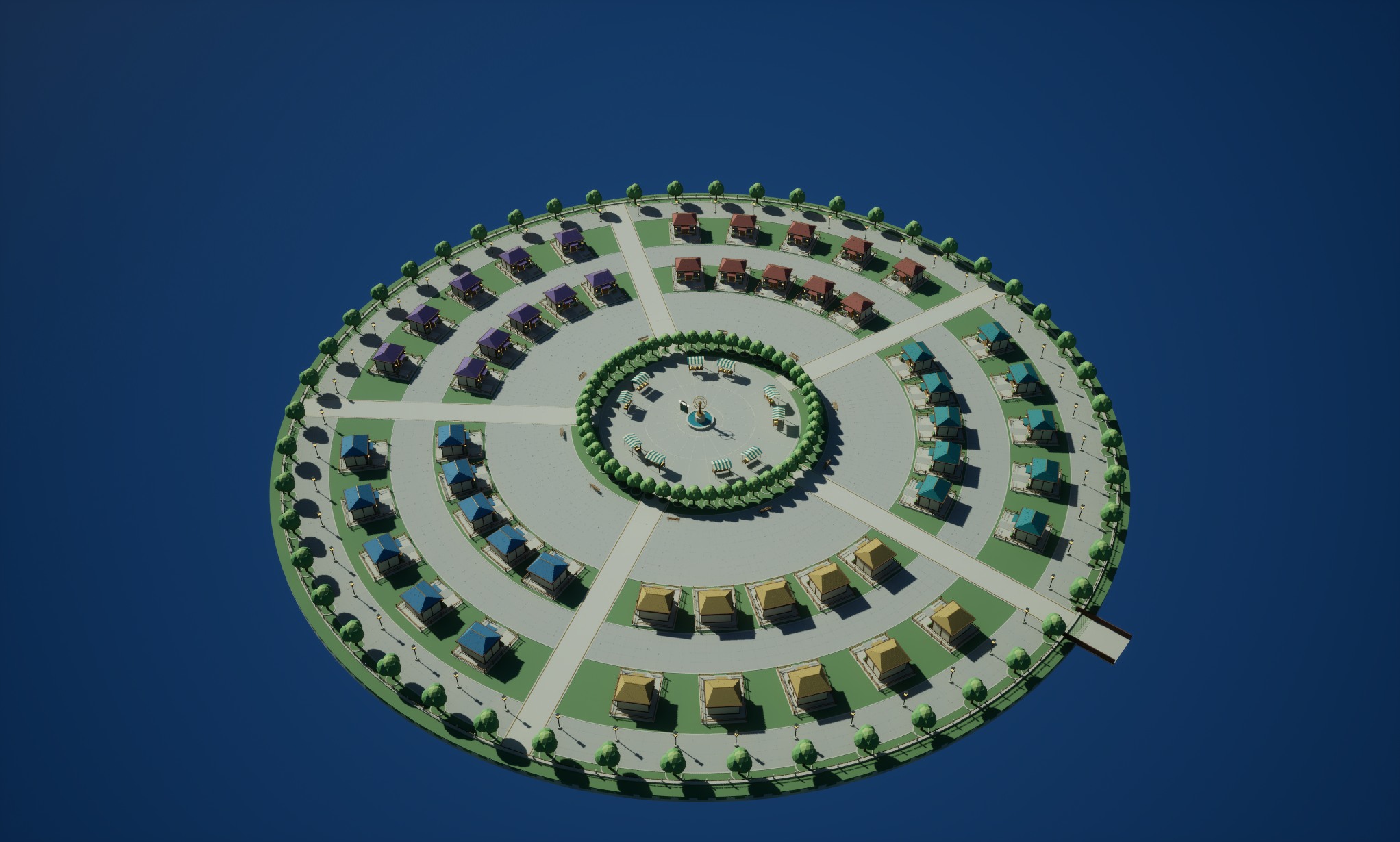
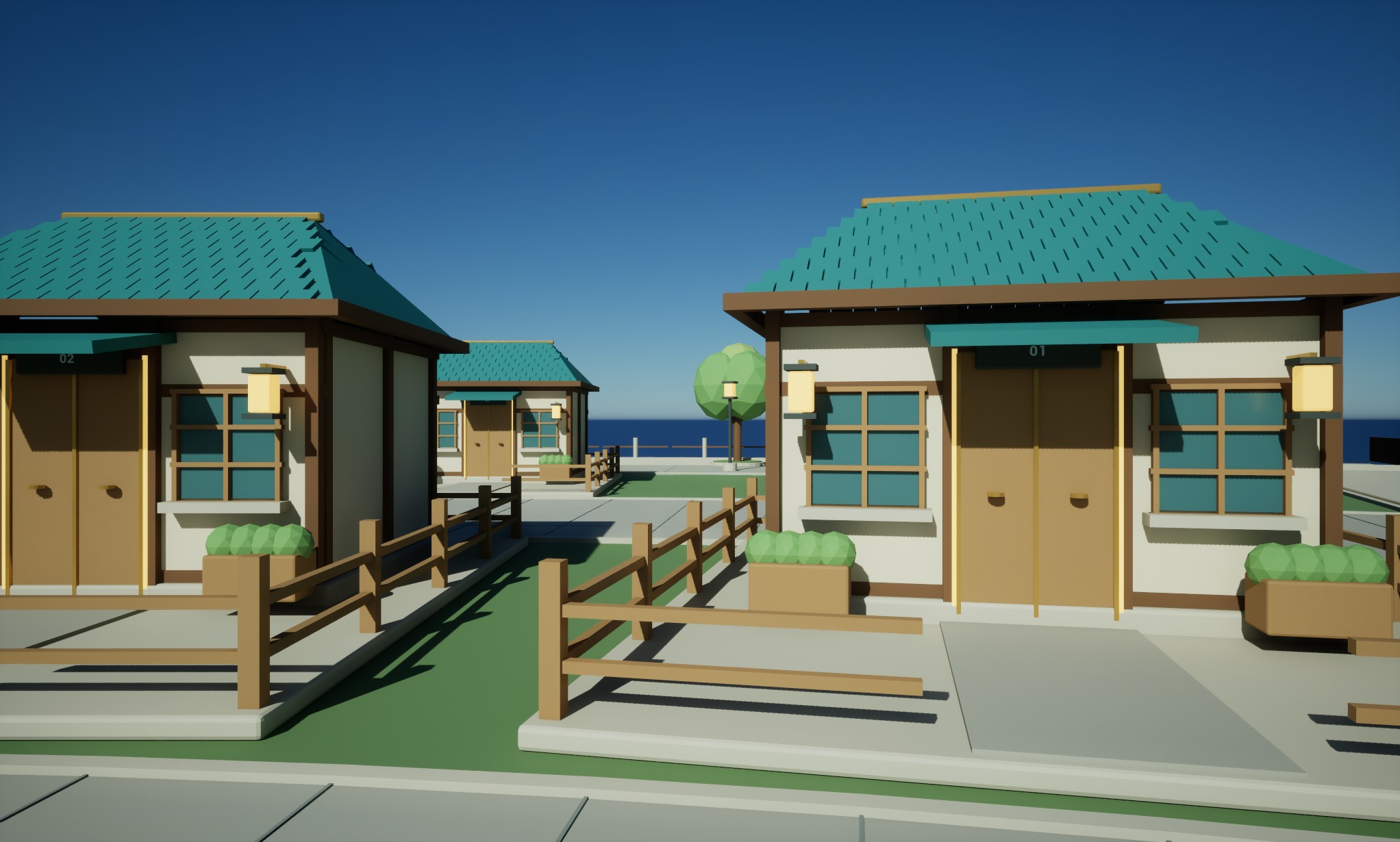
The first circular community build adds five neighborhoods and 50 numbered, separate plots linked by public walkways.
The central plaza includes market stalls, a brass landmark, trees, street lights, and benches. Roof colors distinguish the neighborhoods.
Walk on community ground with collision on frontages, closed windows, and public props. Entrances travel to a separate personal scene and return to the corresponding frontage.
Local exploration in a separate development scene. 50-player multiplayer, random account allocation, and persistent plot ownership are unavailable. Entrances currently share the local personal scene. Public client downloads are not available.
First circular marketplace build · Actual UE runtime imageCommunity frontages and streets · Actual UE runtime image
V0.7.13Feature update2026-10-18
Agent movement, flexible windows, and a dedicated store
In free mode, Agents use gravity, grounding, and collision and can travel through doors and stairs. Missing routes show a pathfinding state. Tab no longer offers right-click recall.
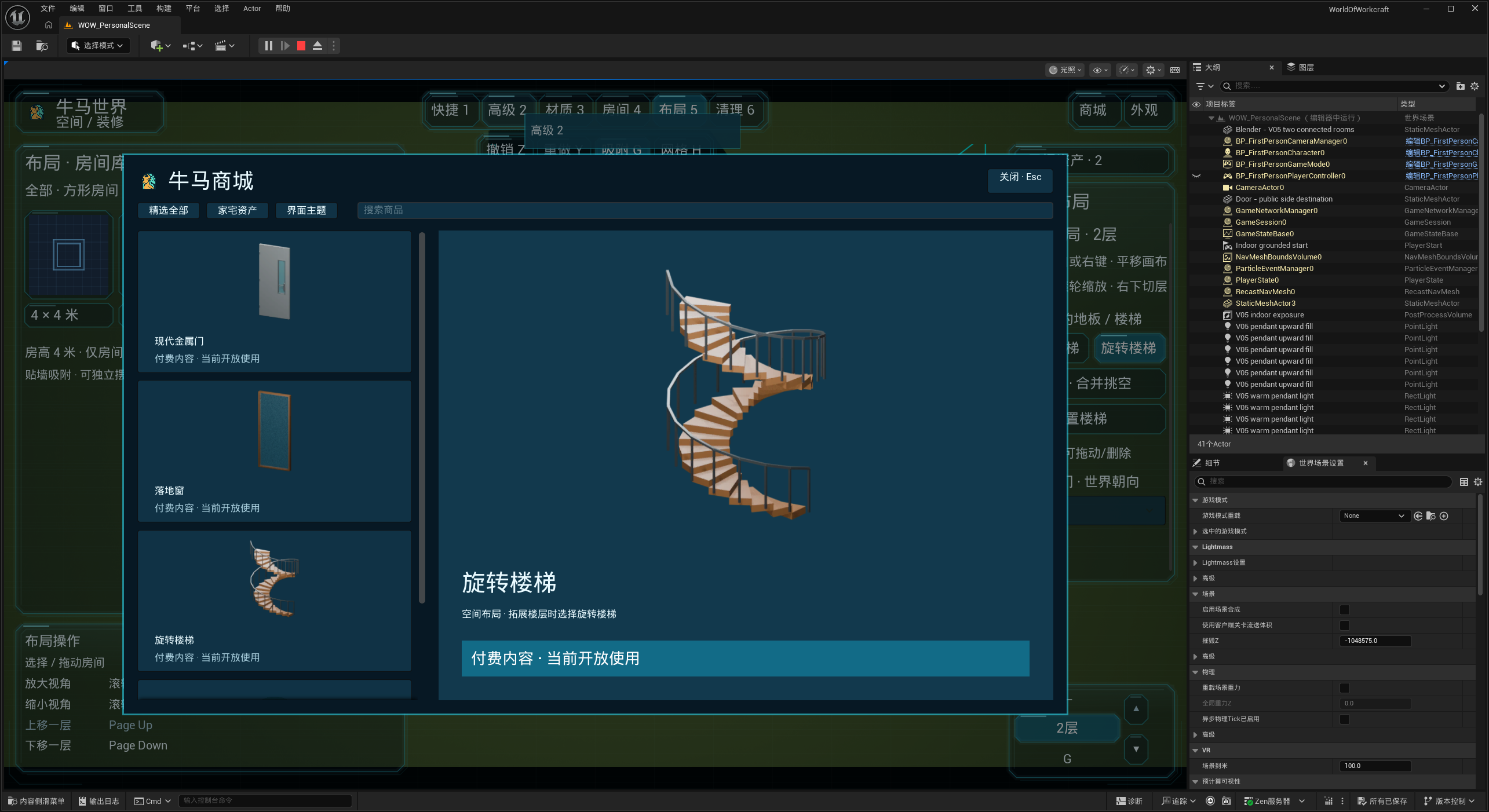
A dedicated store adds categories, search, product lists, and large previews. The holographic theme, floor-to-ceiling window, modern metal door, and spiral stairs are labeled Paid content · currently open for use. Free content remains in the regular asset library.
Improved door mirroring, handles, and hinge positions. Metal door panels are opaque with glass only in the narrow inset, while opening animations and character blocking remain active.
Space access uses a ground-level ring and low light column. Repeated K entry lands safely at this marker rather than at a room door or upper floor.
Improved room-library, floor-selector, placed-object, and help layouts. The ground floor is labeled G, stair placement has clear cursor hints, and the store blocks clicks through to the interface below.
Fixed object selection after leaving layout mode, target-based editing across rooms, and window-cleanup feedback, while retaining fixed-object protection, saving, undo, and redo.
Windows can touch edge to edge. Small windows follow the selected wall position and height and can stack vertically, with free placement when snapping is off or grid placement when enabled. Wall bounds, overlap and door protection remain; basement windows are unavailable.
Name individual placed Agent instances separately in the workspace. Moving objects between rooms updates their room assignment, with saving, undo, and redo retained.
Conversation inputs gain rounded corners, shadows, and product logos, with circular product avatars. Improved immediate tooltips and editor camera help, and fixed recognition of some Codex conversation states.
Purchases, payments, and orders are unavailable. Agent movement does not start real work tasks; each tool retains its stated integration limits. The client is not yet available for public download.
Dedicated store and content currently open for use
V0.7.12Feature update2026-10-15
Multi-floor spaces, stairs, and open voids
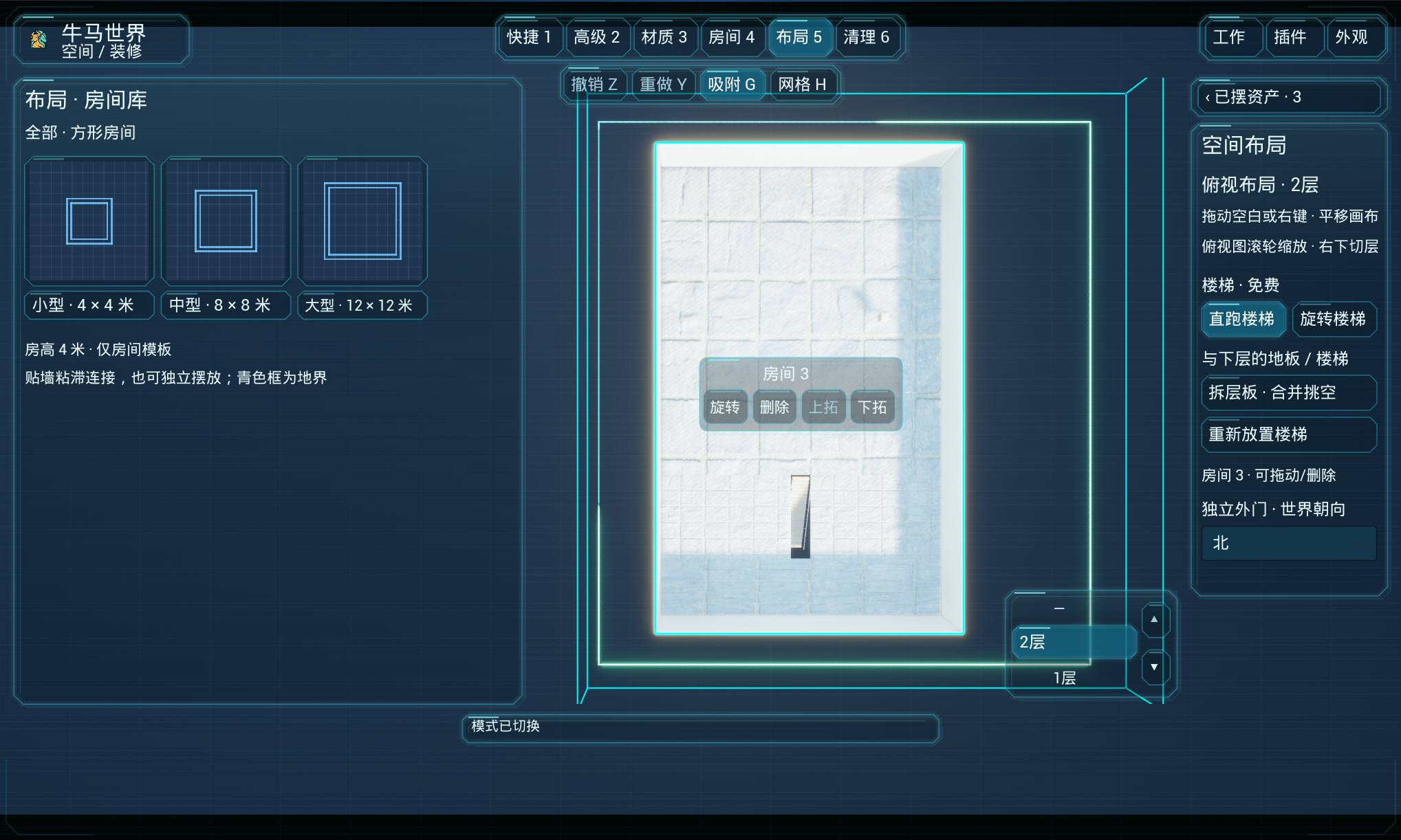
Layout mode 5 supports basement, ground, and upper floors, each 4 m high. Expand rooms one floor up or down while keeping their footprints aligned.
Free straight and spiral stairs let characters walk between floors. Install stairs when expanding, then reposition, rotate, or switch their style in place with matching openings.
Remove the full separator between connected floors to create an open void, then restore it and the stairs. The lowest floor is protected, and placed objects keep their positions.
Zoom the top-down canvas with the wheel and pan by dragging empty space with the left button or the scene with the right button. Use the lower-right floor selector or arrows, and room-centered controls for rotation, deletion, and vertical expansion.
Advanced editing adds End to lower objects and Home to raise them against valid collision surfaces. Only height changes, with fixed-object protection, saving, undo, and redo.
Added modern wood doors and modern metal doors with a narrow glass inset. Select exterior doors to switch designs while keeping leaf, hinge, and opening settings.
Space access is saved independently of room doors and marked by a cyan ring and light column. Changing door designs keeps the access point. Leaving edit mode lands safely below the camera while preserving the view.
Fixed legacy basement windows making layouts read-only and preventing object movement or placement. Old basement windows are reclaimed without losing assets or entitlements; new basement windows are not allowed. Improved exterior trim, blank asset entries, and some shadow rendering.
Currently limited to basement through the upper floor, with aligned room footprints. The client is not yet available for public download.
Upper-floor layout, stairs, and floor selection
V0.7.11Feature update2026-10-14
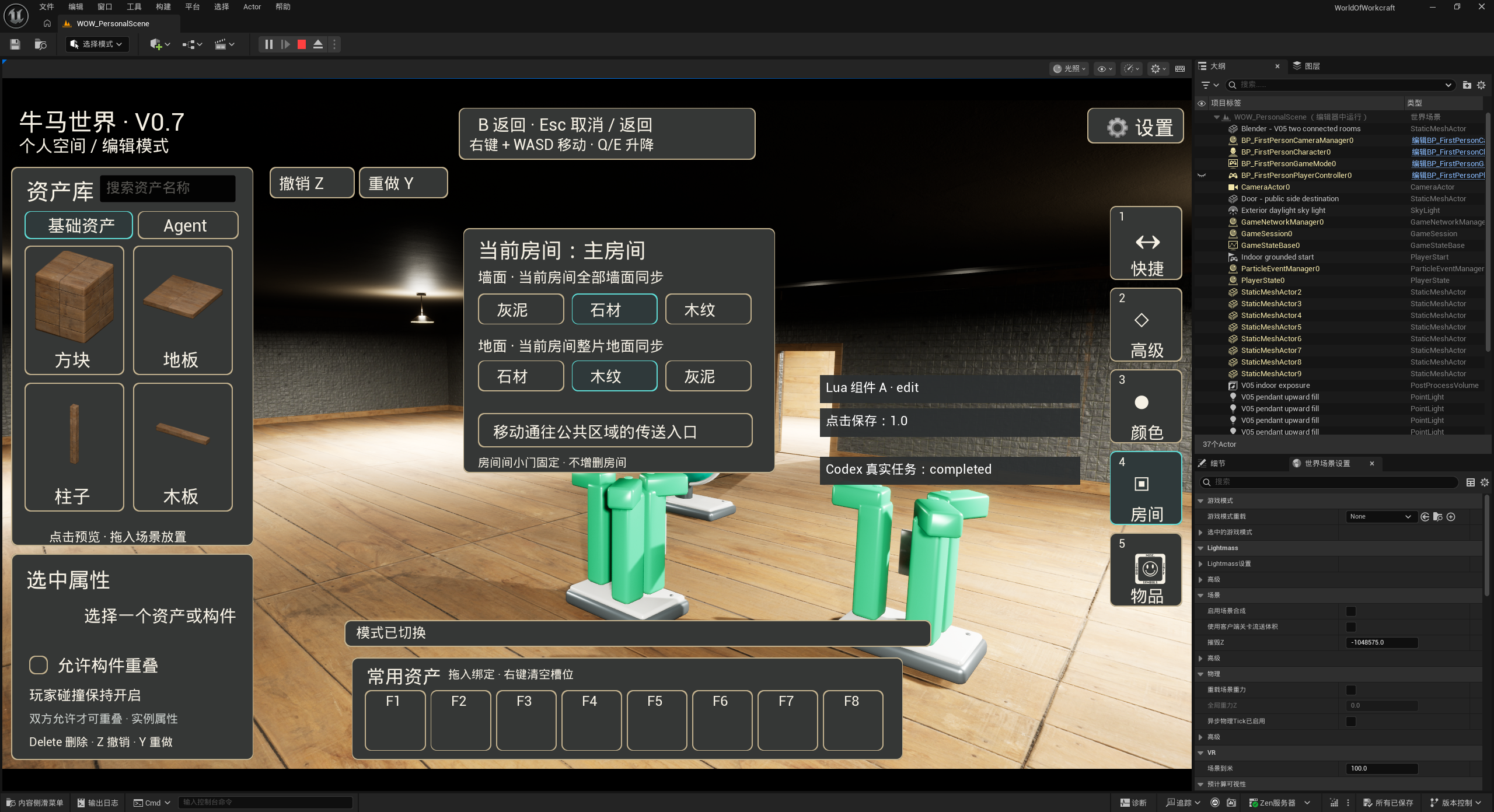
Space layouts, yards, and configurable doors
Press K in the public area to enter your space, then exit in free mode to return to your previous public location. Room doors lead to your own yard, with visible lot lines and boundaries. Independent space access is described under V0.7.12.
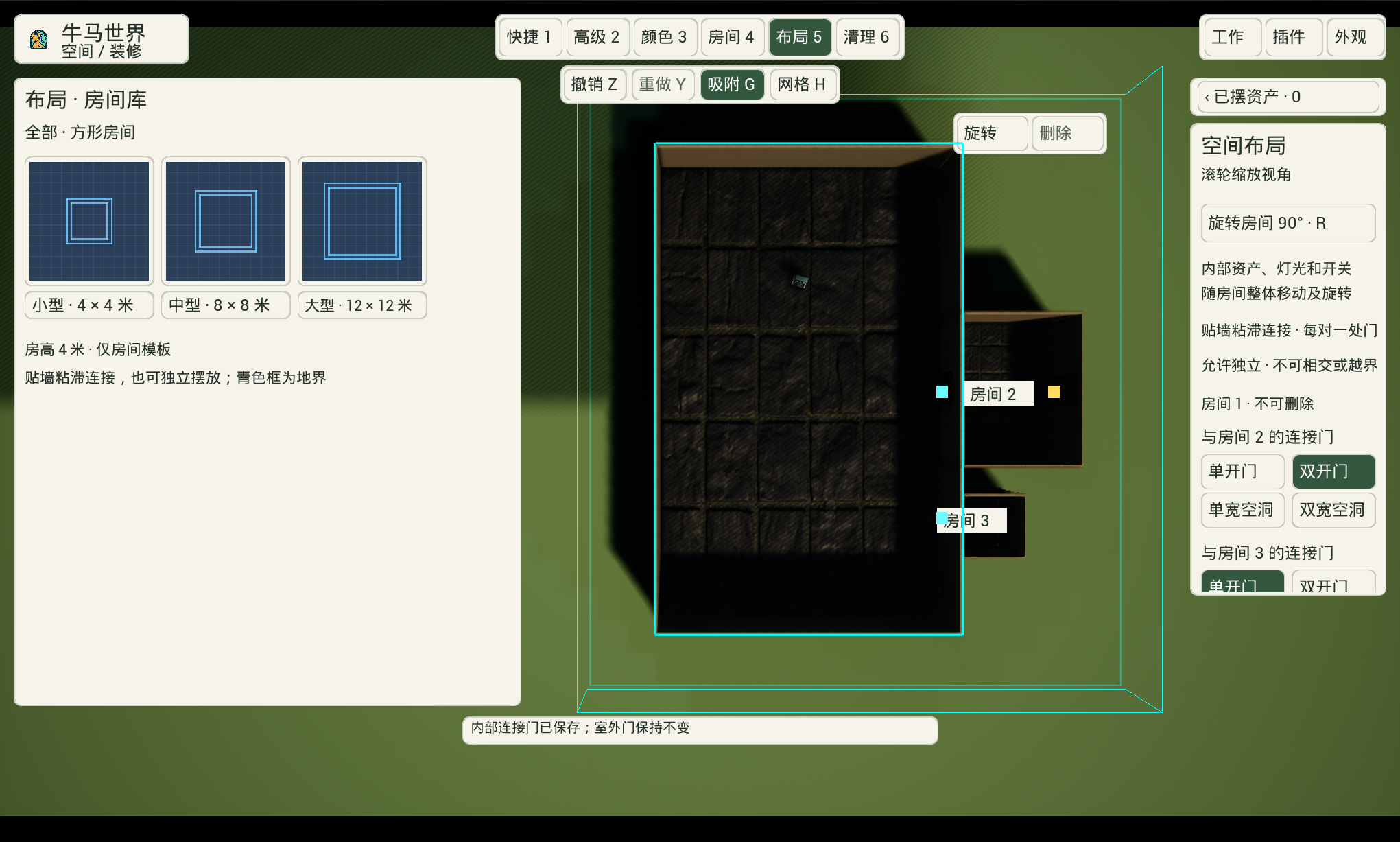
Layout mode 5 offers a top-down room library with 4×4, 8×8, and 12×12 m square rooms, all 4 m tall. Drag, snap, and rotate rooms in 90° steps together with their objects, Agents, lights, switches, and windows.
Place rooms separately or connect adjacent walls. Independent rooms have four exterior-door directions; those doors disappear on connection and return on separation. Delete any room except room 1, reclaim its objects, and save or undo changes.
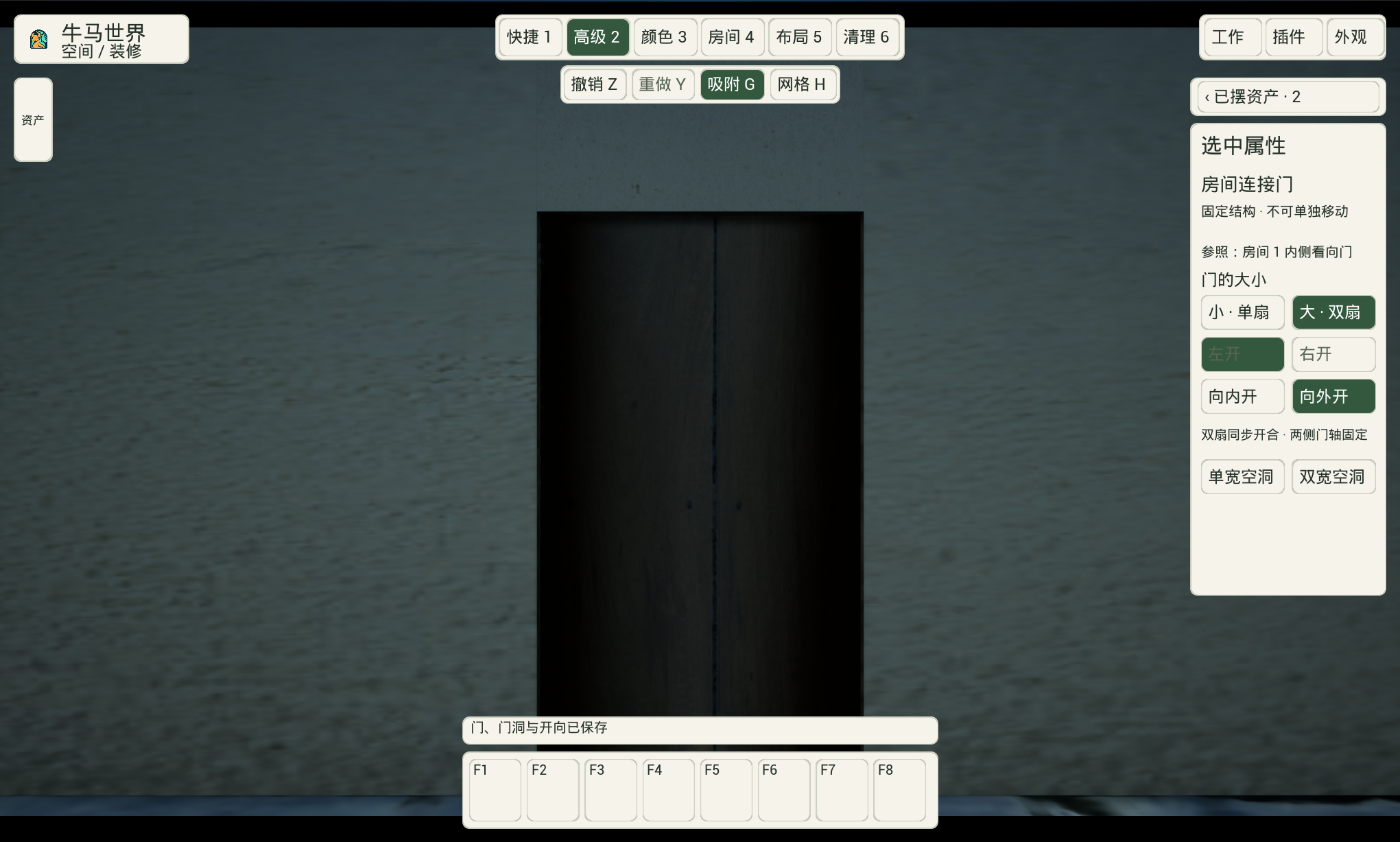
Room connections offer single doors, double doors, or open passages. Configure size and opening direction for connecting, exterior, and placed wood or glass doors; building openings resize with them. Double leaves move together and respond together to a blocked leaf.
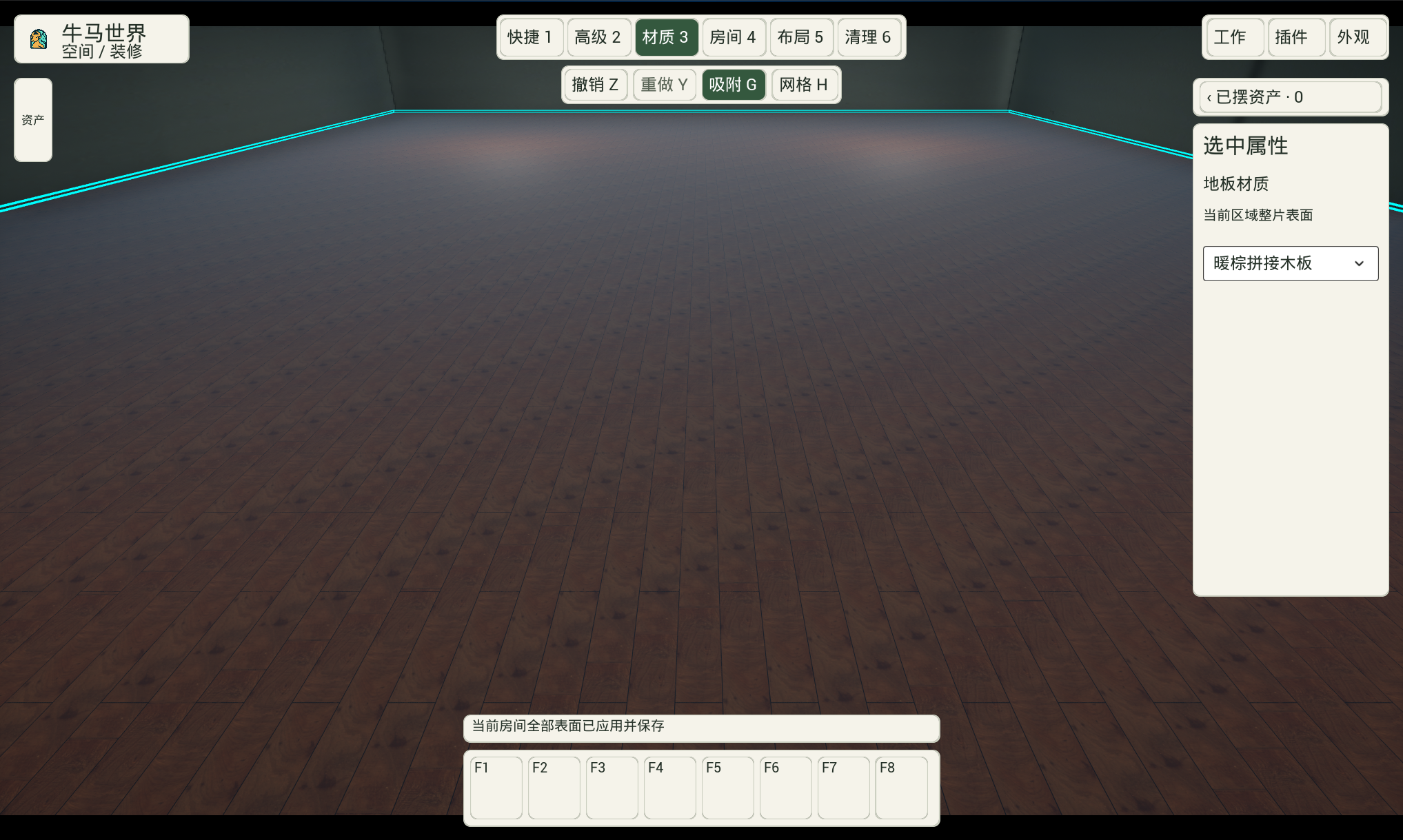
Change one wall or all four walls in the same room, and replace whole room floors or the outdoor lot surface. Added fine white-gray, cloudy gray, and black-gold marble textures, with material-specific controls and separate wood colors.
A collapsible list on the right shows all placed objects, initially closed. Edit or reclaim items in the current room; other rooms remain read-only. Click objects, walls, doors, or windows for their properties and selection outlines.
Advanced movement adds horizontal dragging at a fixed height and absolute rotation inputs. Improved action cursors, room-deletion confirmation, placement-error messages, and indoor/outdoor exposure adaptation.
Ceiling, floor, and wall lamps now have an adjustable light radius from 1 to 50 m, defaulting to 9 m, with a spherical selection guide. The main entrance has a gold frame and a nearby layout label.
Materials mode 3 edits interior walls, exterior walls, floors, and ceilings. Inside and outside finishes and plaster colors save separately. Added plain marble and warm staggered planks, improved dark streaks in wood grain, and offered plaster or plain marble for ceilings.
Drag standard or small windows from the library onto walls. Cleanup mode 6 removes windows and restores the wall. Doors, windows, floors, ceilings, and outdoor ground have selection outlines.
Dropdowns organize object materials, light colors, Agent parts, and independent-door directions, with expandable color palettes. Switching between Advanced 2 and Materials 3 keeps the same object selected.
Placement previews rotate around Z with the wheel, X with Ctrl+wheel, and Y with Alt+wheel. Layout grids and previews avoid sidebars and bottom hints, and cleanup uses a brush cursor.
Audio/video settings have separate pages, a resolution dropdown, volume and window-mode controls, and saved preferences.
In free mode, hold either Shift key to smoothly reach twice the normal walking speed in about 0.6 seconds. Release to return in about 0.4 seconds; pressing again keeps the transition continuous.
Task conversations show user messages and Agent replies, with separate approvals and plain-language status. Tasks open at the latest message, then preserve manual history-reading positions during the current session. Improved Chinese Agent labels and display behavior in some lighting conditions.
Multi-floor features are listed under V0.7.12. Online visitors, friend invitations, level-based lot expansion, and payments are unavailable. Paid glass walls and floor-to-ceiling windows were unavailable at this stage. Floor-to-ceiling windows open for use in V0.7.13; glass walls remain unavailable. The client is not yet available for public download.
Room library, space layout, and connecting passagesDouble-door size and opening controlsWarm staggered planks and material controls
V0.7.10Feature update2026-10-11
Unified themes and a holographic workspace
Global themes now cover the decorating HUD, Agent library, workspace, system menu, and plugin windows.
Choose themes from a scrollable dropdown, preview or cancel changes, and apply and save appearance preferences.
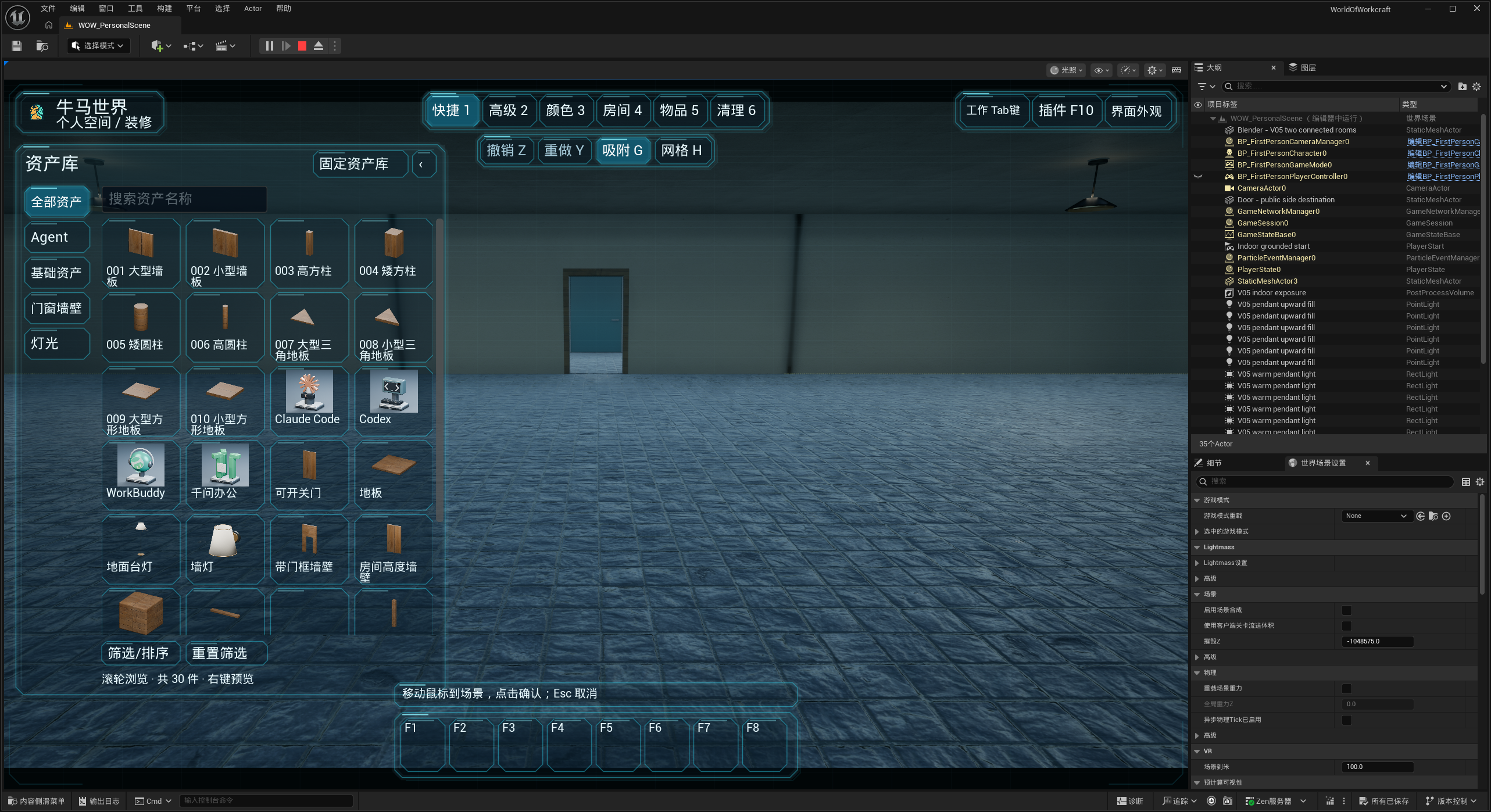
First-person decorating adds translucent holographic glass, cyan edges, and a digital overlay. High contrast uses clear, solid panels.
Browse a local catalog of themes and decorating content, including the free content currently provided.
Improved spacing between decorating sidebars, bottom hints, and the quickbar to prevent overlap. Long hints are shortened, and sidebar content stays within its panel.
The content store currently supports local browsing only. Purchases, payments, and orders are unavailable. The client is not yet available for public download.
Holographic decorating interface
V0.7.9Feature update2026-10-20
Task connections and autonomous tool execution
The Codex workspace continues to support real task creation, same-task follow-ups, and synchronization of projects, conversations, and results.
Agents execute task goals through their own working folders, permissions, and tools, while World of Workcarft presents progress and results.
Unavailable connections are shown as unknown or failed rather than reporting unfinished work as complete.
Claude, Codex, and WorkBuddy entries in Tab now offer Projects and Conversations, with source switching, expandable projects, paginated tasks, and history refresh. The F workspace shares these capabilities.
Claude sources are grouped under Cowork/Code, and Codex sources under Codex/ChatGPT. Separate CLI tabs are removed without deleting conversations: Claude CLI history joins Code, and Codex CLI history joins the main list. Unavailable sources are disabled with explanations; switching sources clears the previous selection.
The Agent library distinguishes installation, running processes and real task status: installed tools appear in decorating, remain disabled while stopped, and become placeable when running.
New placements are limited to one instance per tool while existing multi-instance layouts are retained. Offline models stay still, running tools allow movement, and real work stops pacing.
Improved automatic recovery of the local task connection service. Stopped tools cannot start or continue tasks, while existing history remains readable.
Codex retains real task creation, follow-ups, approvals, and interruption. Claude and WorkBuddy are currently read-only, without sending or interruption. ChatGPT is not integrated, and Claude Code is unavailable without readable records. Automatic cross-Agent collaboration and persistent scheduling are unavailable. A running process enables placement and model activity; it does not mean real task submission is integrated.
V0.7.8Feature update2026-10-14
Agent library and connection management
Tab opens a searchable, scrollable library of 18 tool models with installation and connection status. Names stay horizontal, with full names on hover.
Installed and connected filters and connection badges make browsing easier. Disconnecting a tool keeps its placed model.
Add custom Agents using a default template or your own image, with separate management of tool credentials and local access tokens.
An optional wow command-line tool provides help, queries, refresh, and connection management.
WorkBuddy can read local status automatically, with distinct messages for connection failures and unavailable integrations.
The F workspace has three columns for nearby Agents, projects and local tasks, and conversations and task details, with search and task conversations. Tool execution details are no longer shown as conversation cards.
Switch between placed Agents within interaction range; the view turns toward the selected model. Out-of-range models cannot be selected.
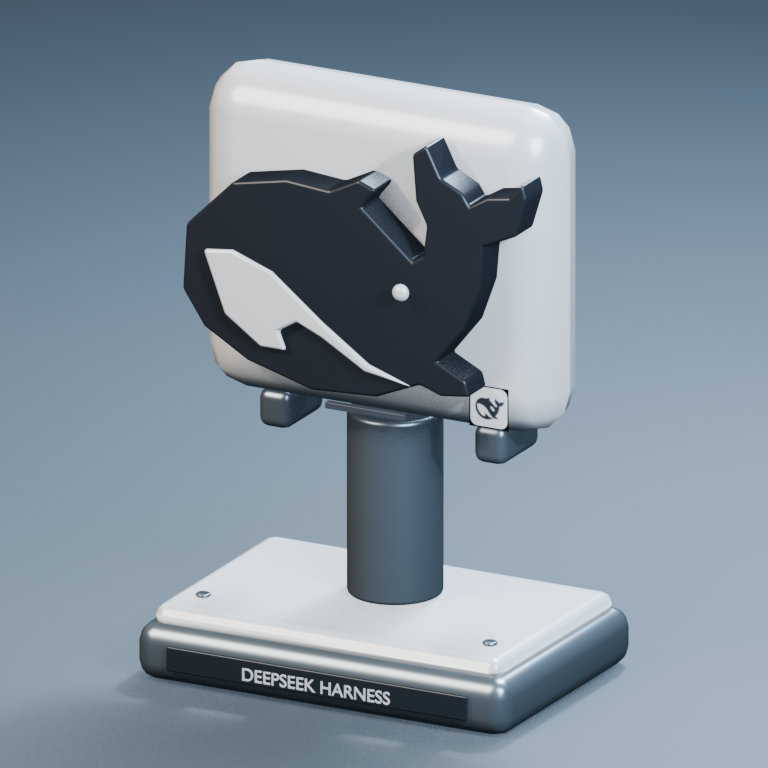
Added independent green Trae and DeepSeek Harness models and removed the old Trae Work entry.
In free mode, aim at a nearby Agent until its ring appears, then double-click to request opening its external tool. F still opens the in-world workspace, with distinct hints. A working local launch entry is required; opening does not guarantee third-party windows move to the foreground.
Eighteen models do not mean all tools support task execution. Codex has a complete task workspace; WorkBuddy provides status and read-only conversation browsing, without task sending. Trae and DeepSeek Harness are disconnected by default and do not yet support real tasks. Custom tools require a working connection configuration.
DeepSeek Harness model · task connection not yet available
V0.7.7Feature update2026-10-10
System menu and cursor controls
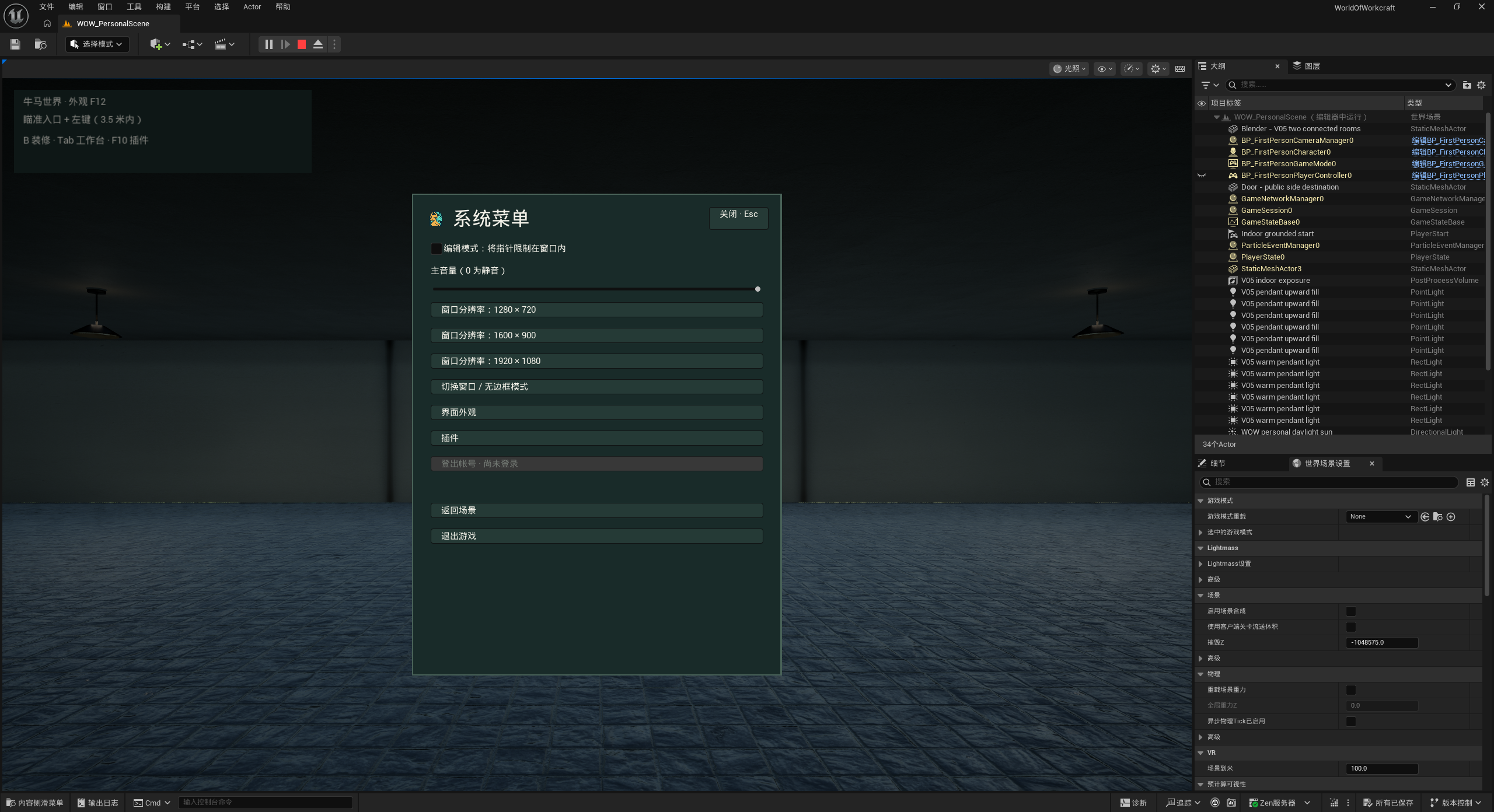
A centered system menu brings together volume, window mode, resolution, appearance, plugins, and exit.
Choose a free or window-constrained cursor while editing; click the scene to resume first-person control.
Audio, cursor, and display preferences are saved. Agent tasks continue while you use other software.
Customize shortcuts with conflict warnings. Search and sort assets by name, size, or frequency, and browse with the wheel or side scrollbar.
Bind hovered assets to shortcuts and update model previews with successive right-clicks. Sorting panels avoid obscured controls and accidental clicks.
Connected idle Agents can pace or pause within their room, stopping movement while working. View busy tasks and interrupt those controlled by this connection.
Added free ceiling, floor, and wall lamps with red, green, yellow, and white light. Nearby clicks toggle lamps; ceiling lights can have a separate wall switch.
Coordinate inputs set final world positions without accumulating repeated values. The exit button reads “Clock out”.
Decorating opens in quick mode with the library expanded by default; manual collapsing is remembered for quick mode.
Account sign-in and sign-out are unavailable. Editor previews save target resolution only. Agents stay within their room and do not simulate work when status is unknown. Tasks running independently in the original app may not be interruptible here. Library-fetching and more detailed mechanical movement are not available.
Feature view · System menu and cursor controls
V0.7.6Feature update2026-10-09
Doors, windows, and fixed assets
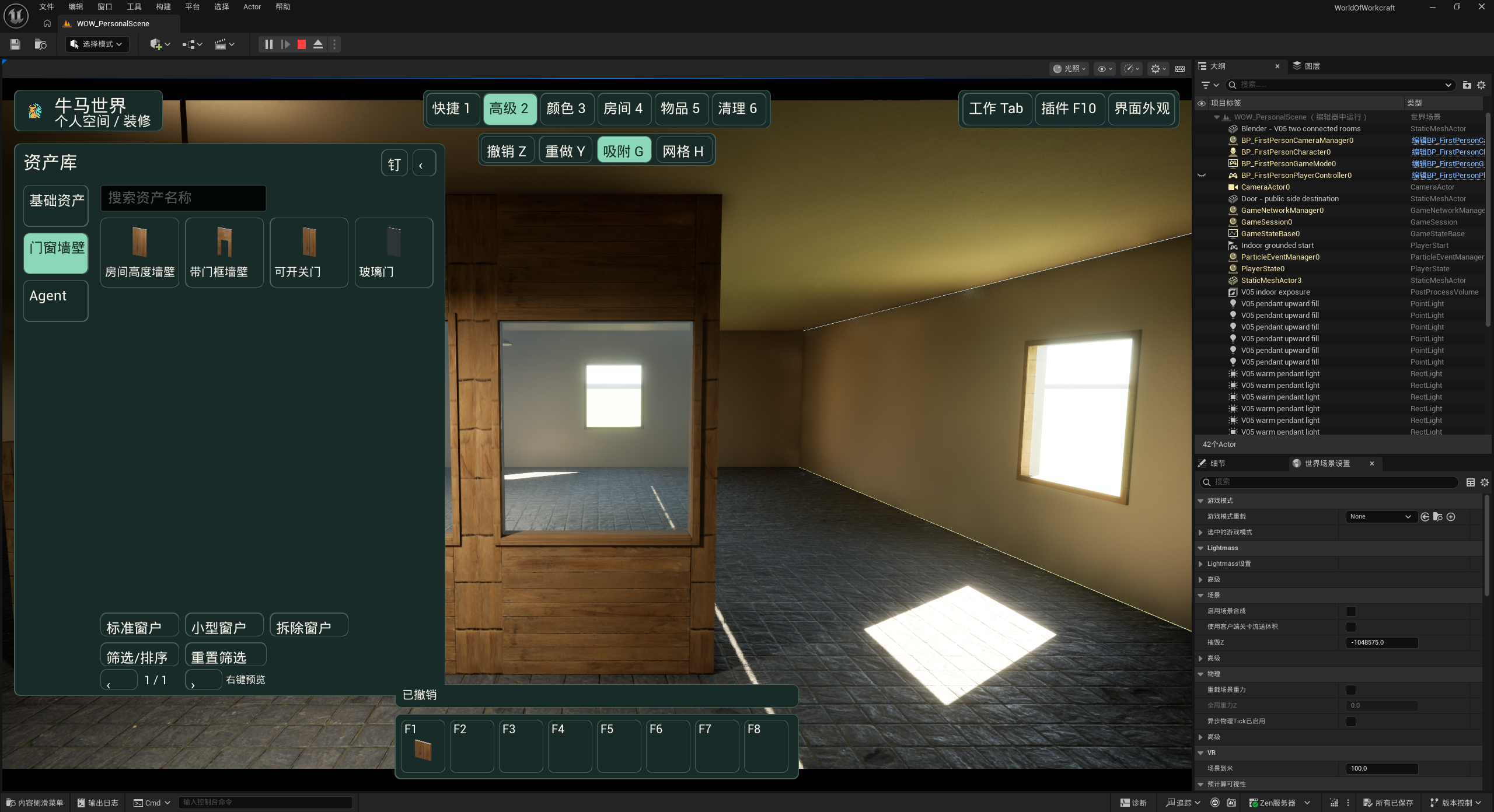
Added free walls, doorway walls, interactive doors, and glass doors, plus standard and small windows.
Create real window openings or restore the wall by removing them. Windows follow their parent wall’s transforms and copies.
Alt-drag to duplicate, with undo and redo. Area travel finds a safe arrival near the entrance.
A larger library adds vertical categories and panel pinning. Fix placed assets to protect transforms, materials, colors, and other properties.
Fixing an asset does not currently protect it from deletion. Full room expansion is not available.
Feature view · Doors, windows, and fixed assets
V0.7.5Feature update2026-10-08
Codex workspace and building pieces
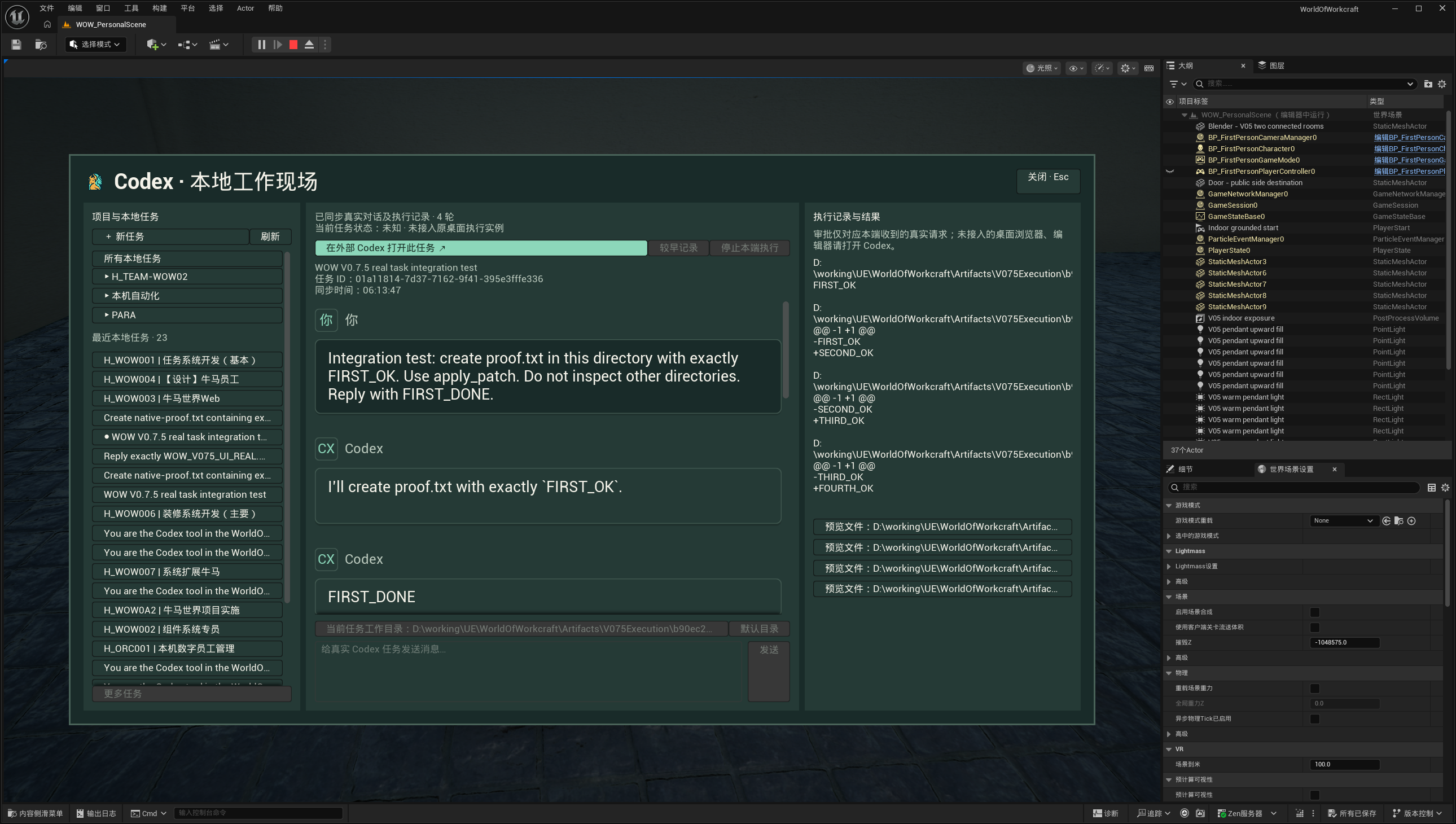
Open a three-column workspace beside your Codex model to browse local projects, tasks, conversations, execution records, and linked files.
Create real Codex tasks, continue existing ones, choose a working folder, and handle approvals or stopping on this connection.
Theme-aware message cards, expandable projects, and automatic synchronization preserve selected tasks and unsent drafts.
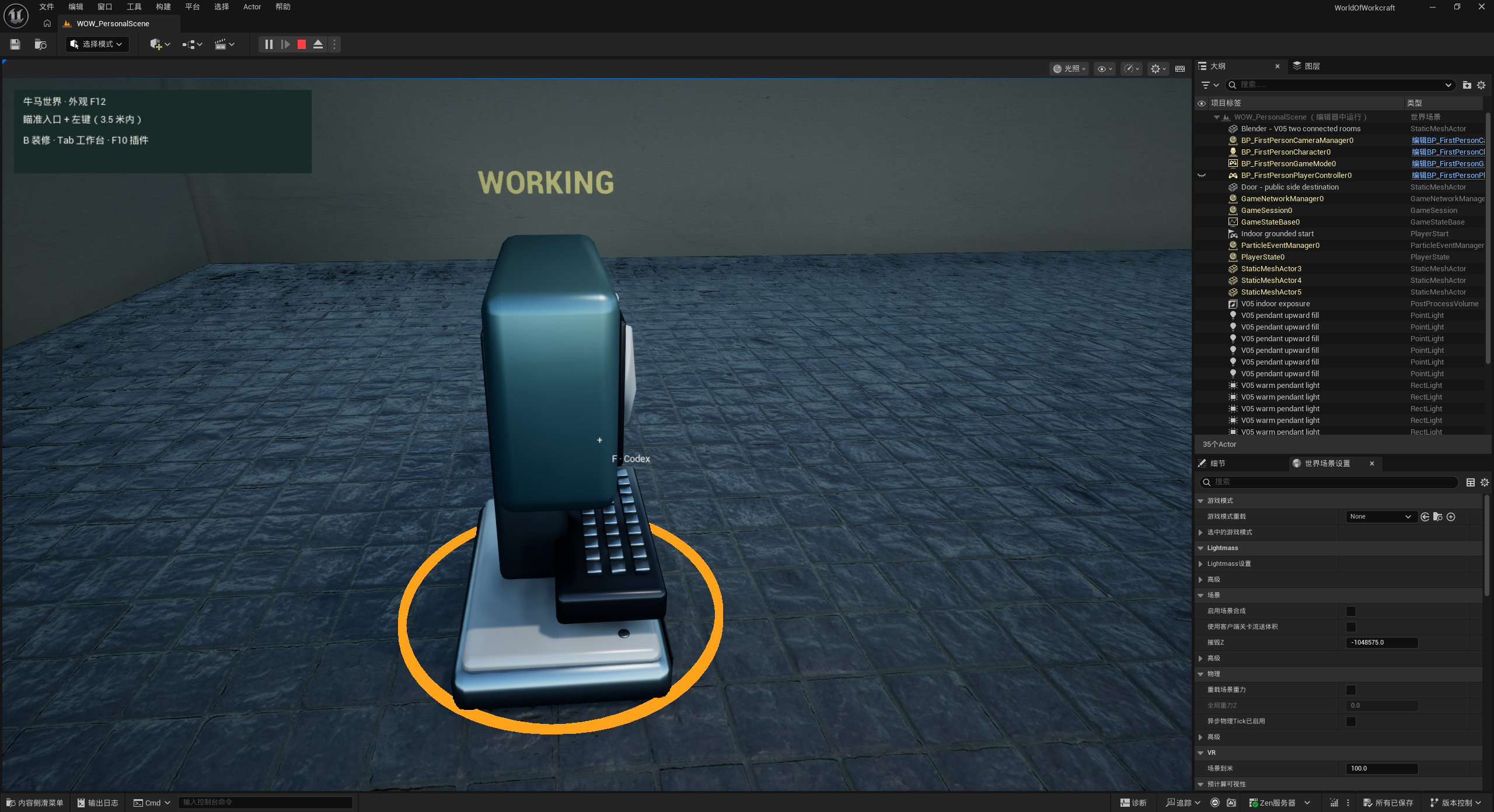
Models display WORKING with an orange pulse during execution, return to READY on completion, and show unknown when disconnected.
Ten free building pieces offer wood, marble, and glass finishes, with customizable wood colors.
Task submission is available for Codex only. Browser and editor operations remain in the original app. Creating a task locally may trigger one Codex desktop restart.
Feature view · Codex workspace and building piecesFeature view · Codex workspace and building pieces
V0.7.4Feature update2026-10-07
Agent work mode and per-part colors
Focus a nearby Agent to open its work panel, submit tasks, view results, and open the task folder.
Codex executes real tasks and reflects work status on its model.
Seven Agent models support per-part color previews, cancellation, and saving, with logos and status lights kept separate.
The other six tools do not yet accept task submissions. Team features are not available.
V0.7.3Feature update2026-10-07
Themes, day/night atmosphere, and showroom
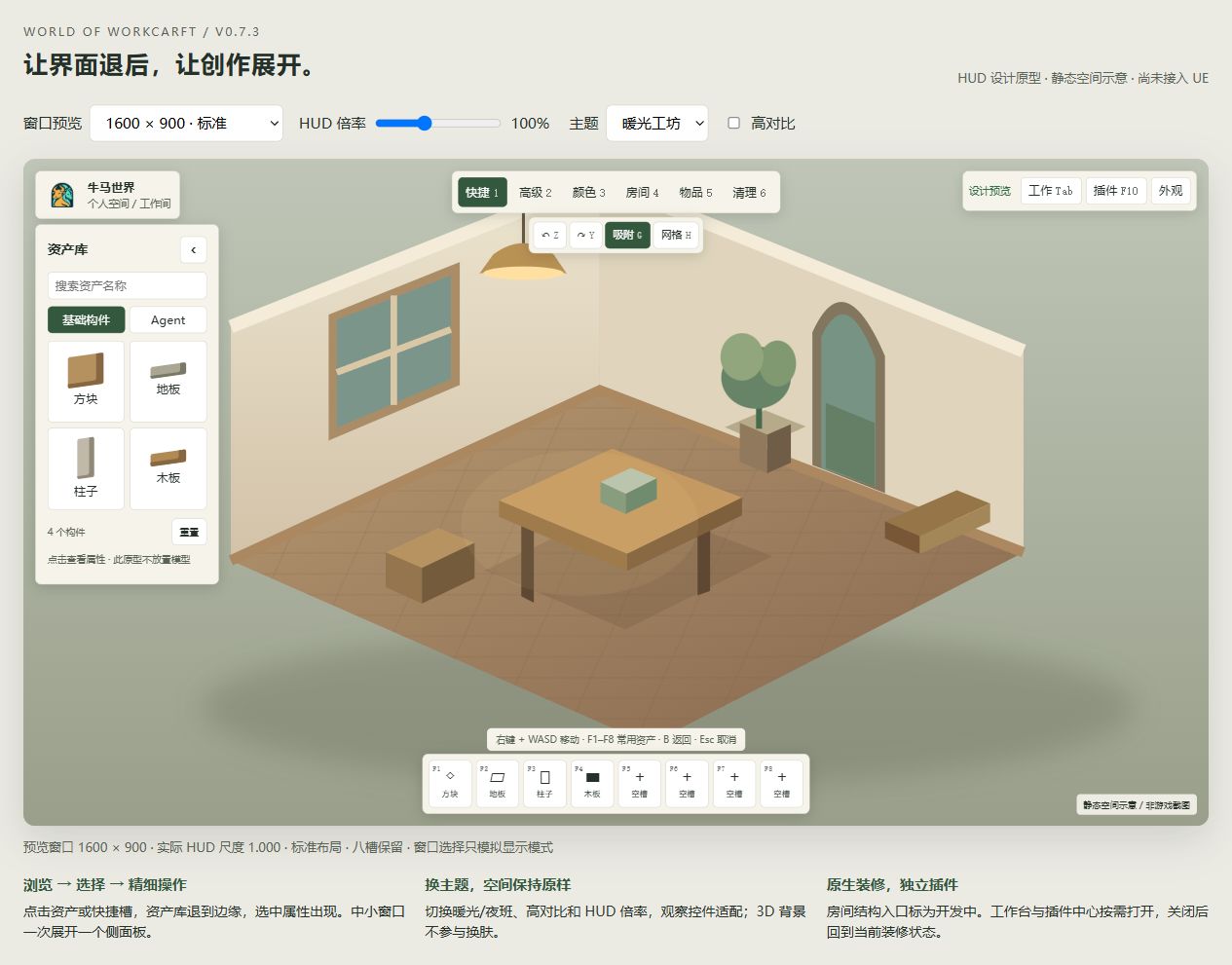
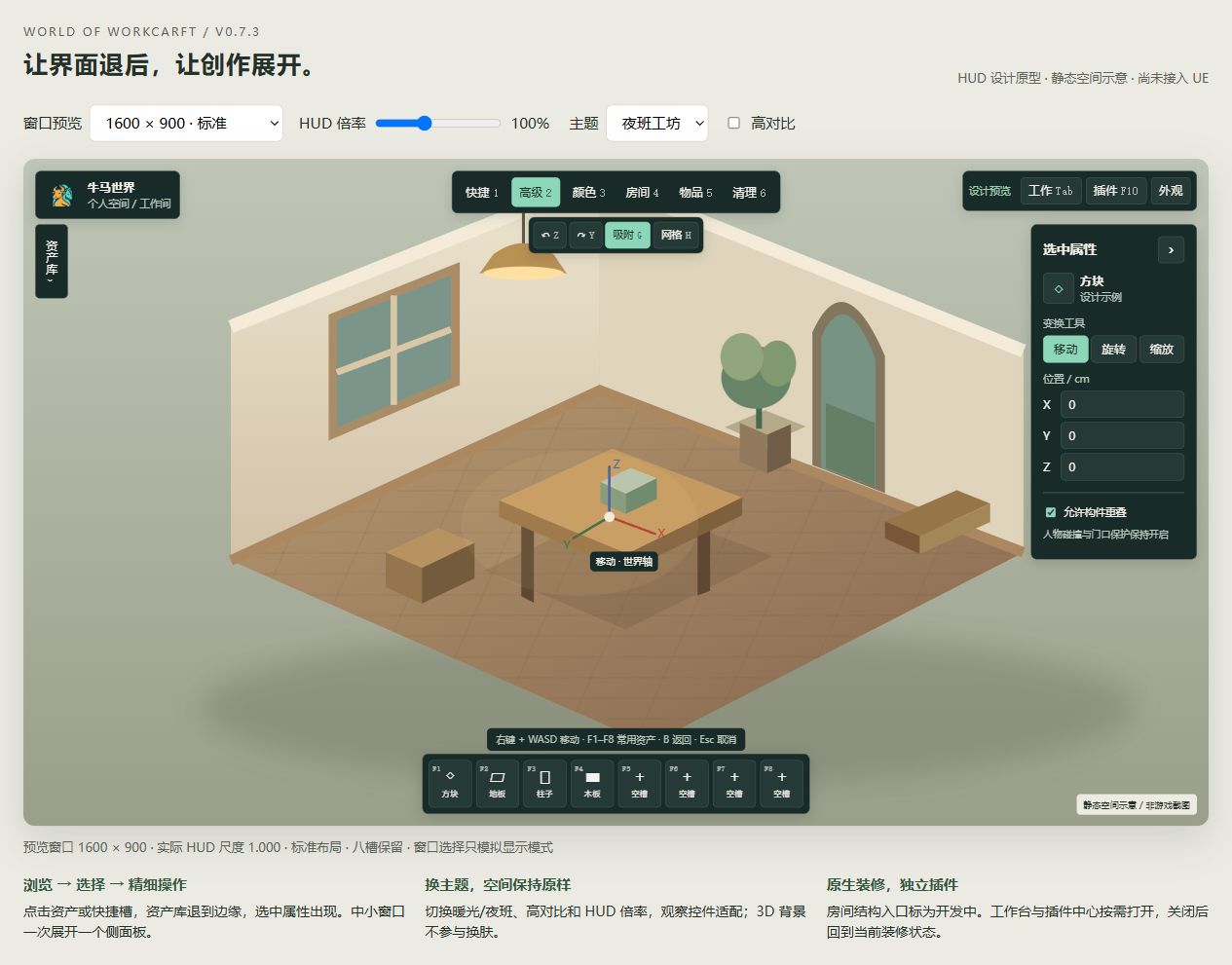
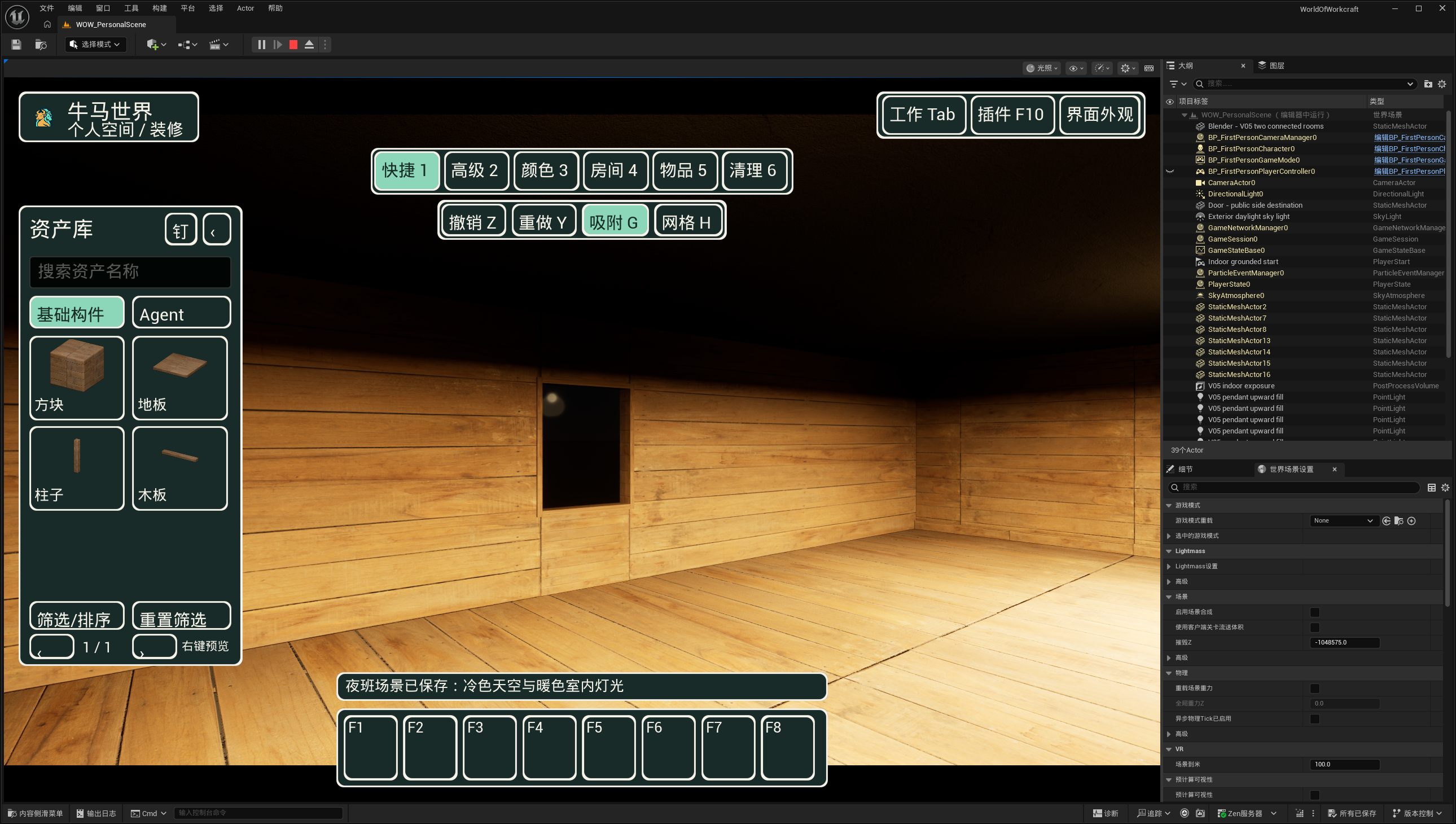
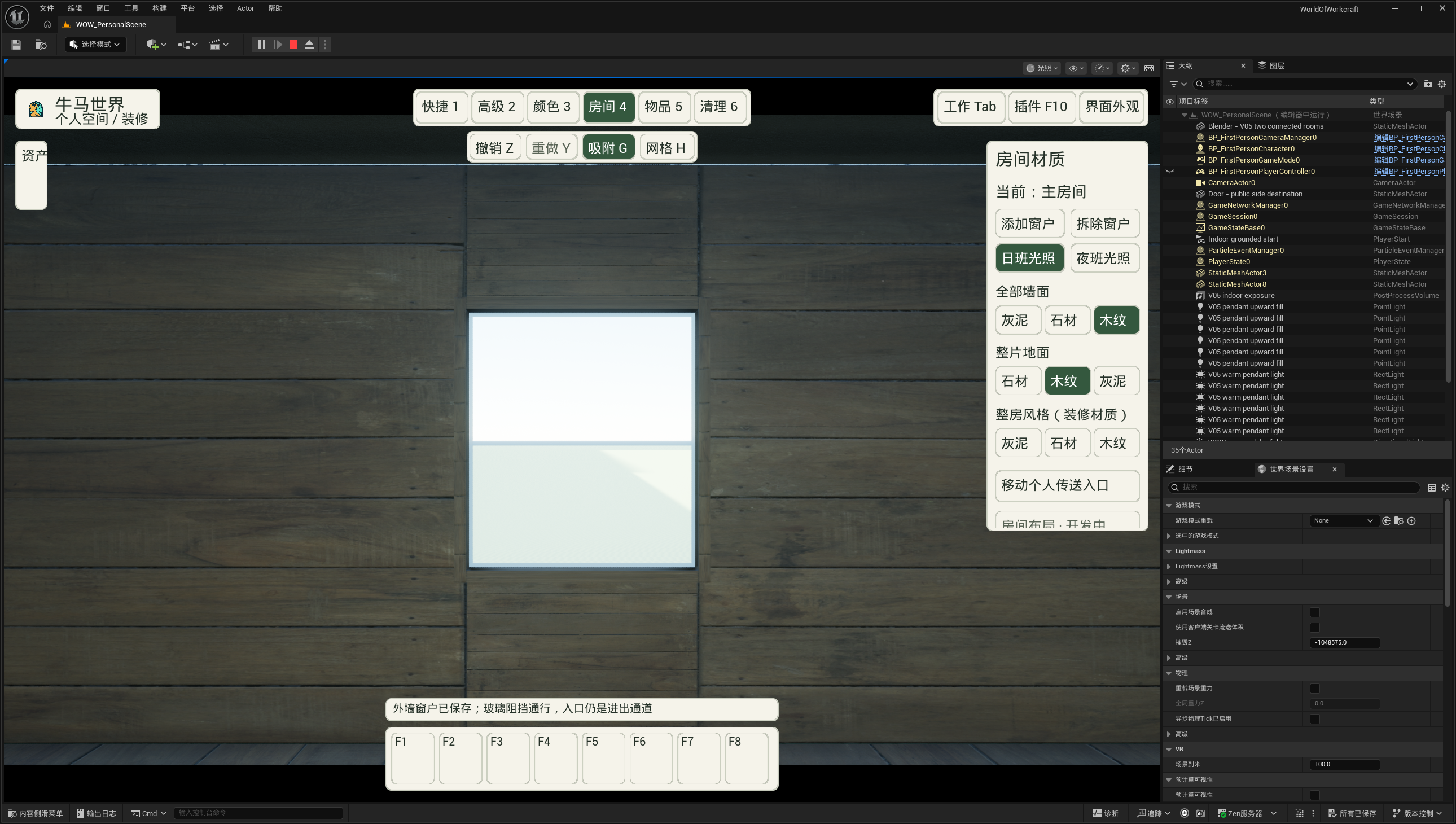
Added warm and night themes, high contrast, and interface scaling, with consistent workbench and plugin styling.
Wall windows, day/night atmosphere, saved window layouts, and undo are supported.
Placement previews support fine rotation, height adjustments, floating objects, and nearby surface snapping.
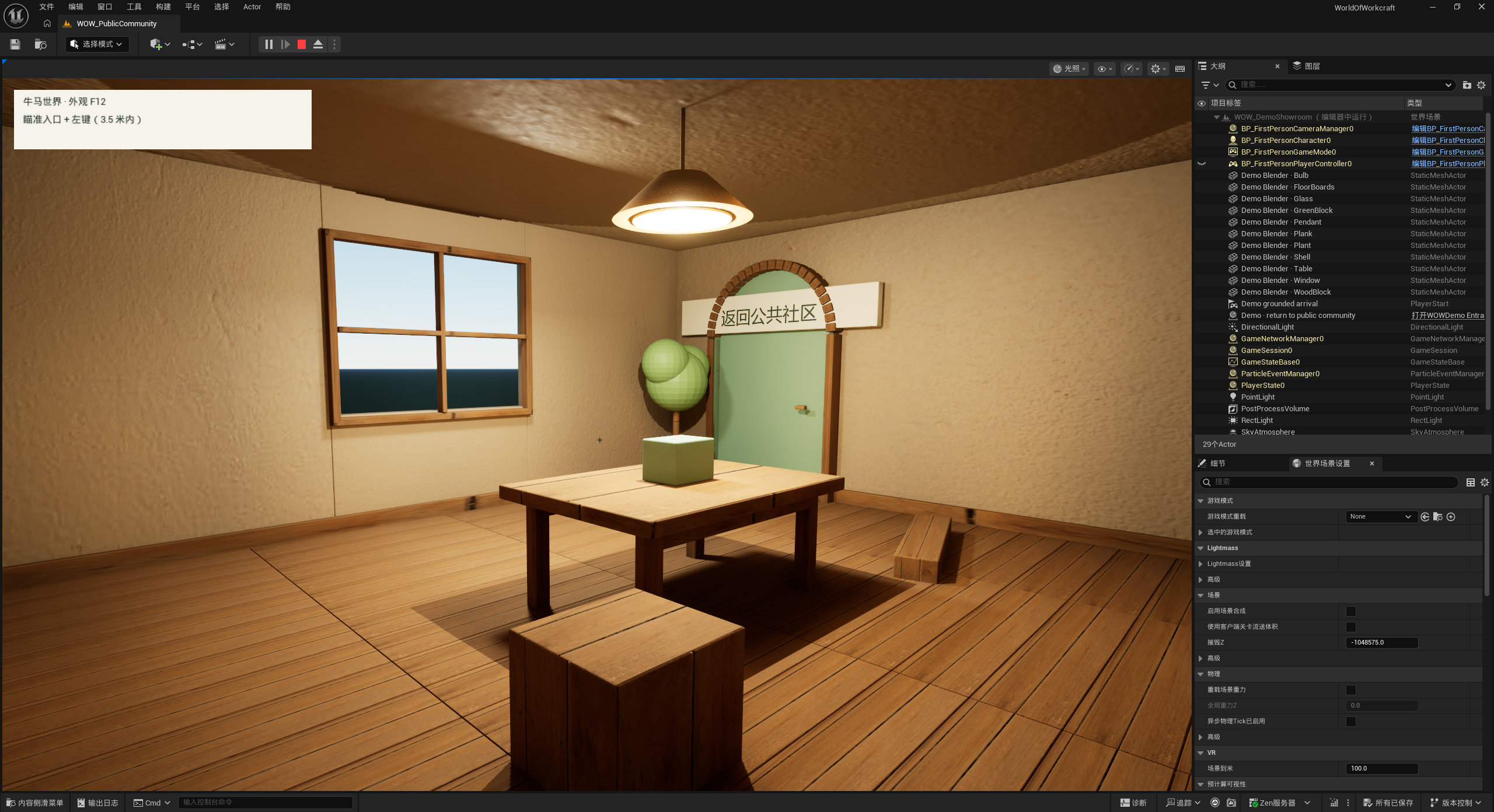
The public area includes an independent furnished demo showroom with a return entrance.
The showroom has a fixed layout and does not support personal decorating.
Concept illustration · Themes, day/night atmosphere, and showroomConcept illustration · Themes, day/night atmosphere, and showroomFeature view · Themes, day/night atmosphere, and showroomFeature view · Themes, day/night atmosphere, and showroomFeature view · Themes, day/night atmosphere, and showroom
V0.7.2Feature update2026-10-06
Dedicated plugin center
A dedicated window manages plugins, permissions, and safe mode.
Refresh plugins and return to your previous interaction when closing the window.
A full plugin ecosystem is not available.
V0.7.1Feature update2026-10-06
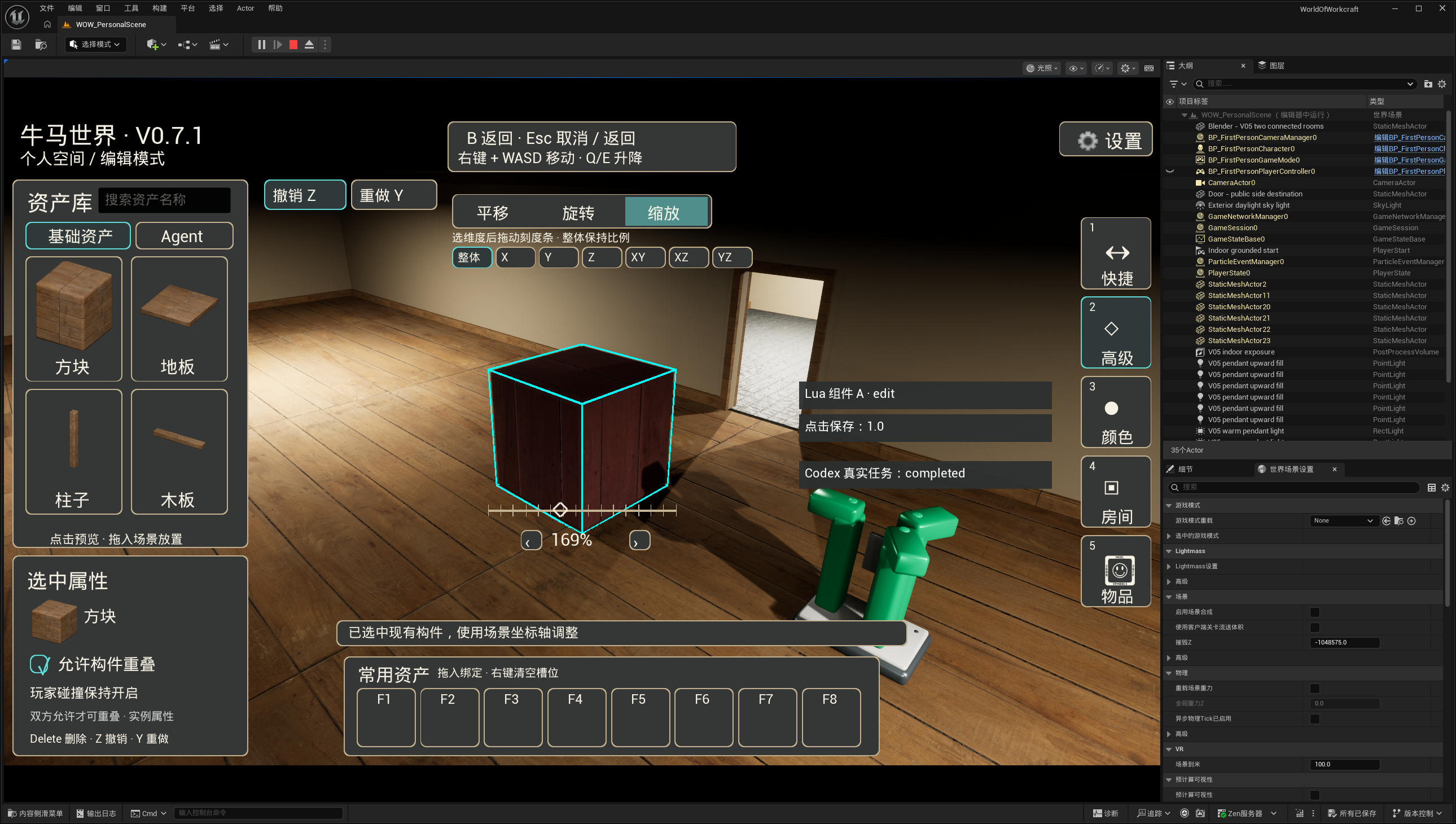
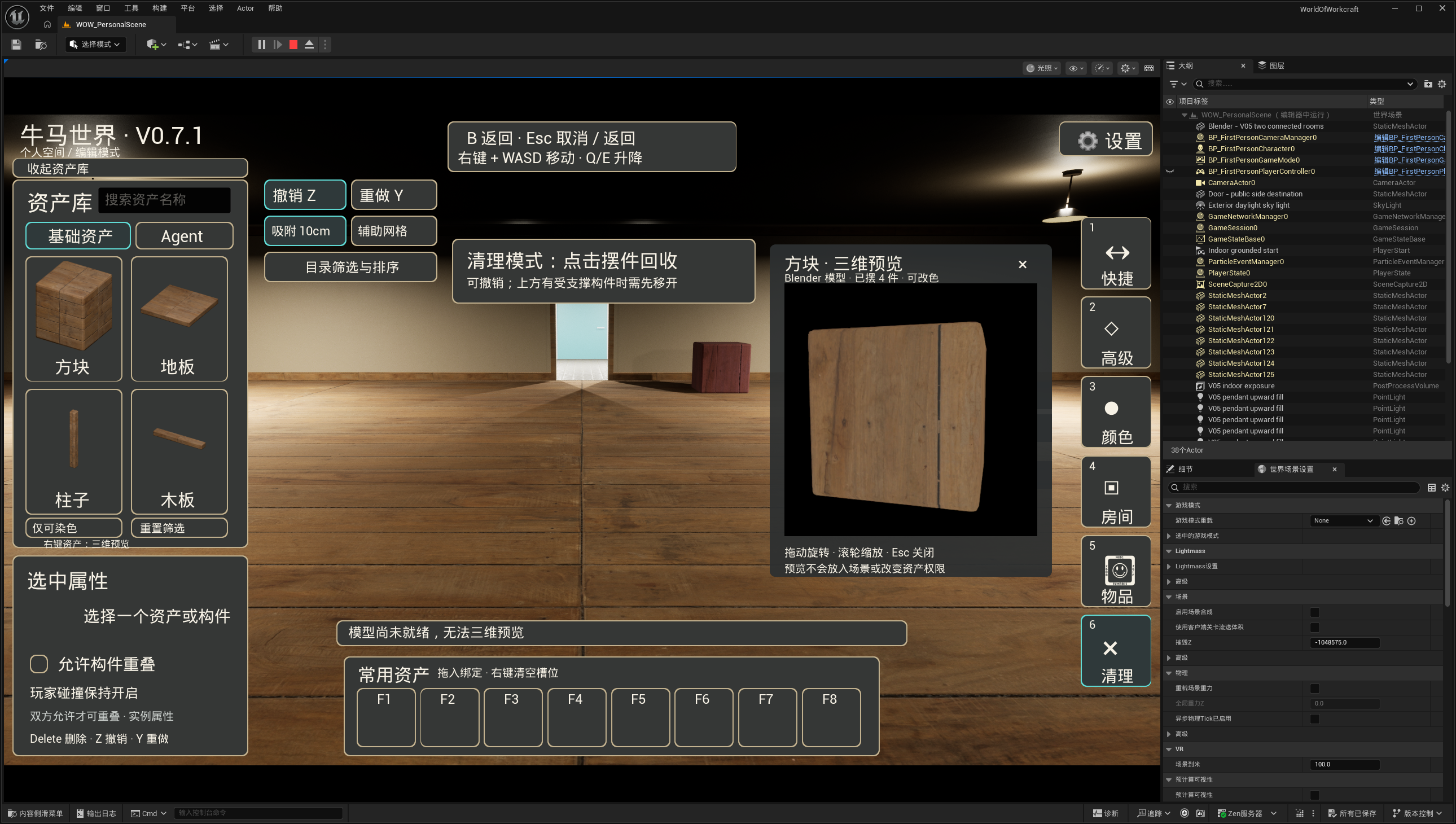
Precise decorating tools
Added three-axis rotation, fine angle adjustments, and overall, single-axis, and paired-axis scaling.
Toggle grid and snapping, sort placed items, remove individual pieces, and preview colors.
Added model viewing, room themes, and recent materials.
Multi-floor rooms and stair connections are not available.